How to Enable Trusted Friends on Roblox
To add someone as a Trusted Friend on Roblox, you first need to have completed an age check on your account, a...
Instantly generate cool, sweaty, and aesthetic Twitch username ideas.
Brainstorming unique ideas...
We built this checker to be fast, ad-free, and privacy-focused. If it helped you secure your perfect username, please consider chipping in to cover our API costs.
Finding a name that isn't already taken on Twitch can be incredibly frustrating. Our twitch username generator uses advanced Artificial Intelligence to understand your gaming niche and output completely unique, brandable twitch username ideas that actually sound like real, successful streamers.
Unlike basic tools that just mash random words together, our Twitch Name Generator AI analyzes your inputs. Are you a variety streamer? A competitive FPS player? Simply enter your main game, and the AI will craft names tailored specifically to your channel's vibe.
Your streaming name sets the tone for your entire channel before a viewer even clicks your stream. We've built in specific filters so you get exactly what you want:
Absolutely. This is a 100% twitch name generator free tool. You can generate unlimited lists of names to find the perfect fit. Once you find a name you love in the results grid, just tap it to copy it to your clipboard. Then, don't forget to run it through our Twitch Username Checker to guarantee it hasn't been claimed by someone else!
Find viral username ideas.
Check AvailabilitySecure the perfect IG handle.
Check AvailabilityValidate Twitch usernames.
Check TwitchGenerate cool gamertags free.
GenerateFind unique gamertags.
Check AvailabilityFind rare & OG gamertags.
Check MinecraftTips and guides on social media management.
To add someone as a Trusted Friend on Roblox, you first need to have completed an age check on your account, a...
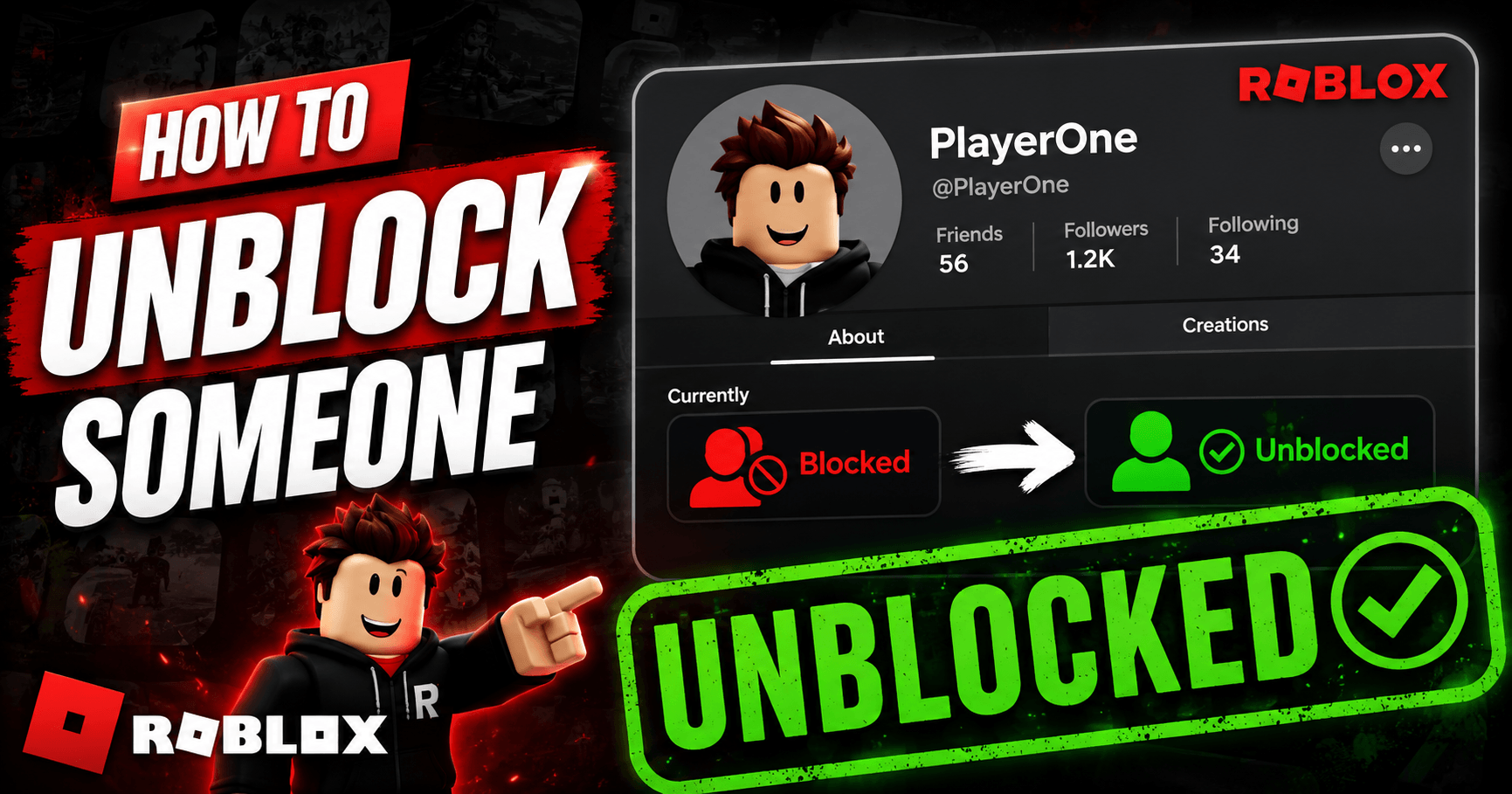
To unblock someone on Roblox, go to Settings, open the Privacy tab, find their name under Blocked Users, and t...
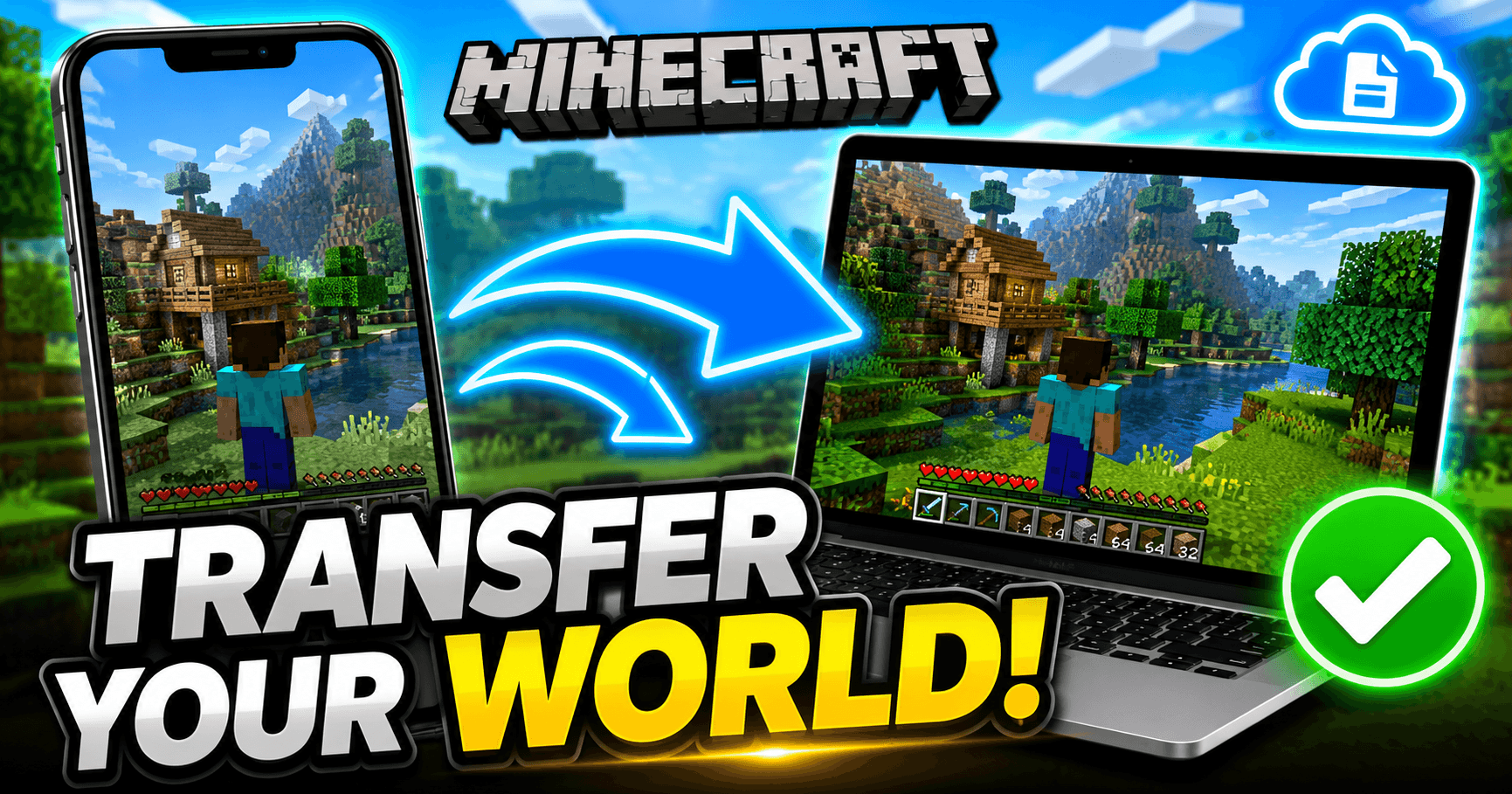
Minecraft doesn’t back your worlds up to the cloud automatically, so moving one to a new device means moving t...
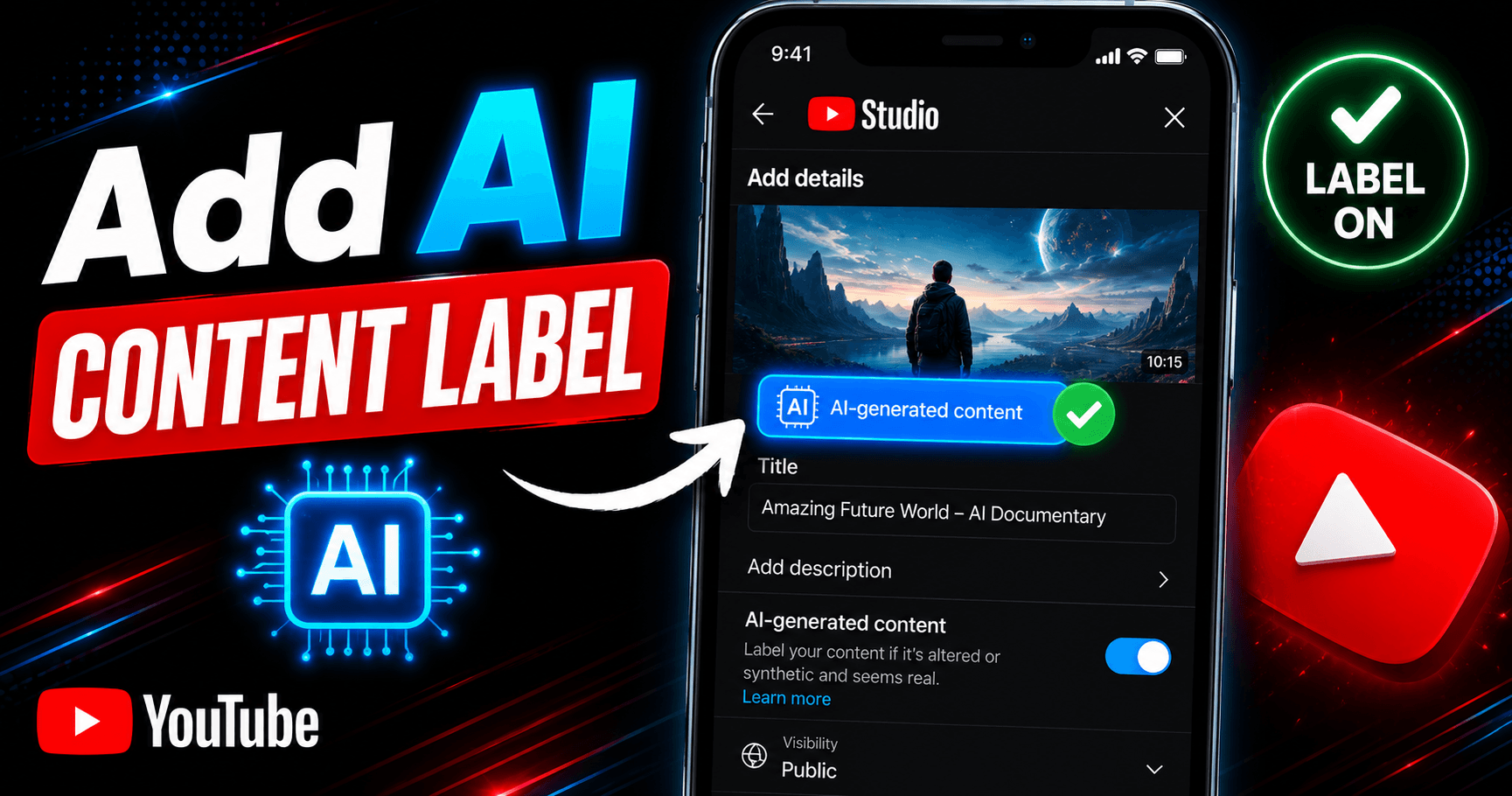
You add an AI content label in YouTube Studio by toggling “Yes” under AI use in the Attributes section during ...
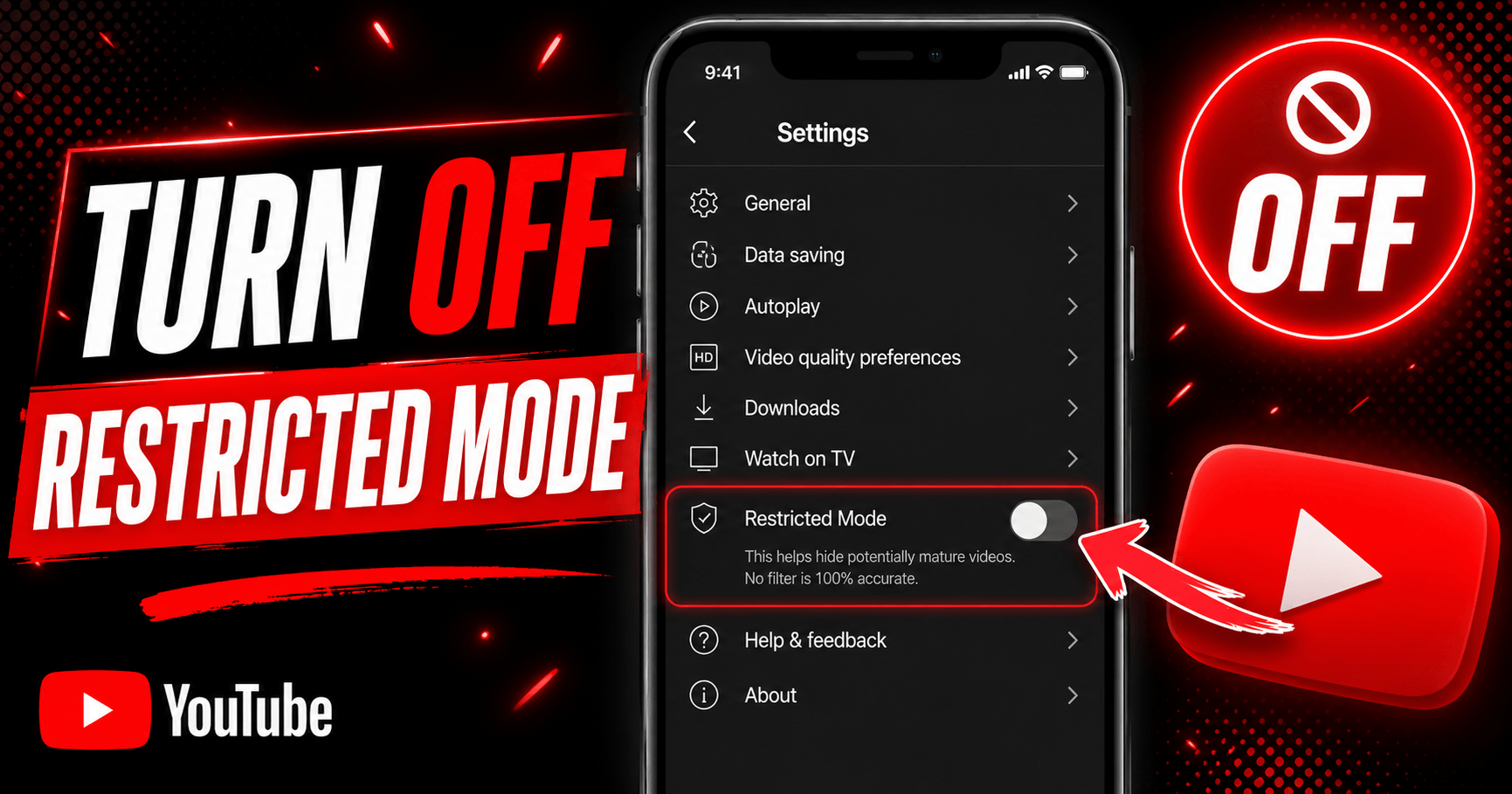
To turn off Restricted Mode on YouTube, tap your profile photo, open Restricted Mode (or Settings > General on...
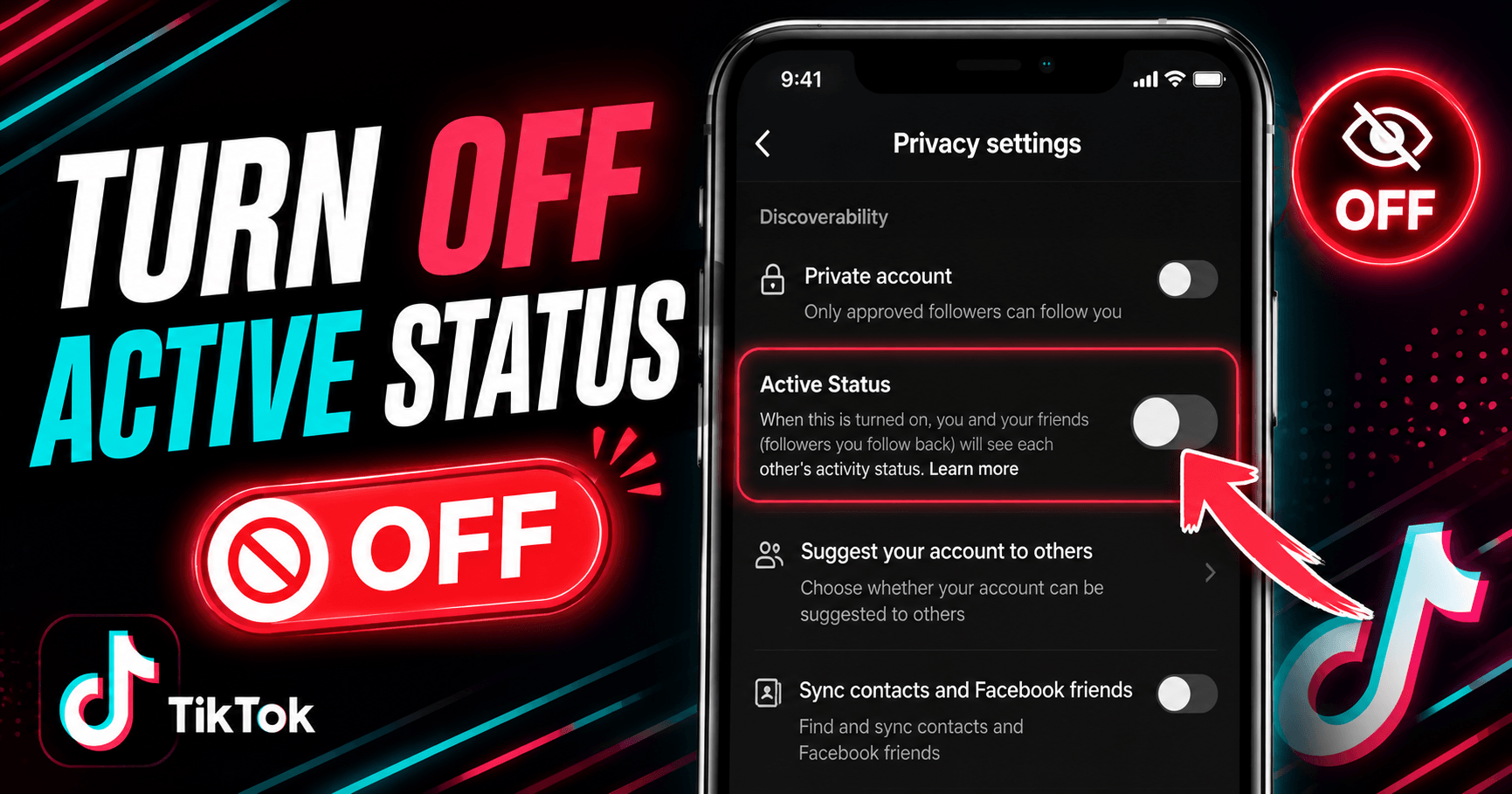
Go to your TikTok profile, tap the menu icon (☰), then go to Settings and Privacy → Privacy → Active Status an...
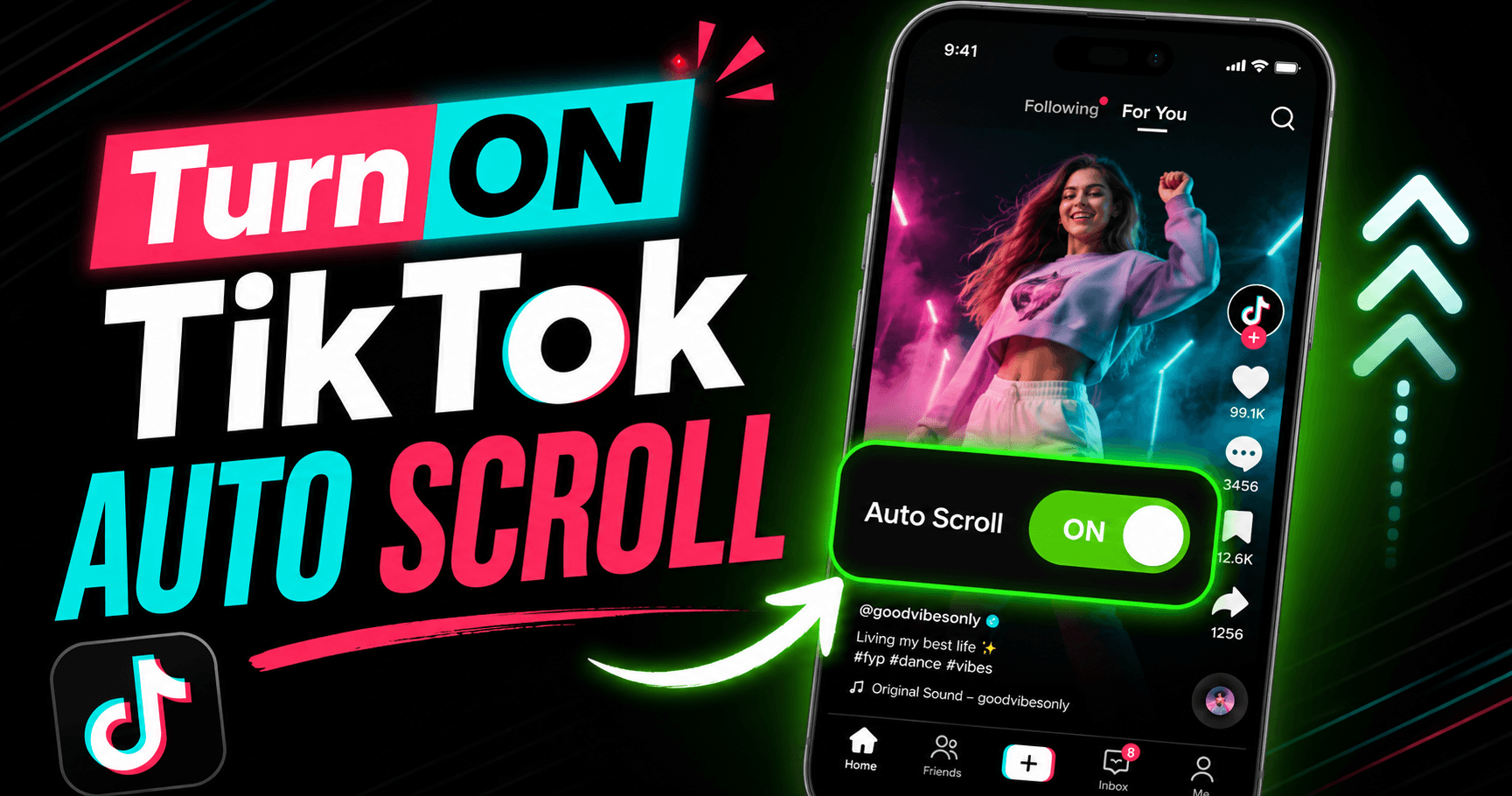
Auto scroll on TikTok moves you to the next video automatically once the current one finishes, so you don’t ha...
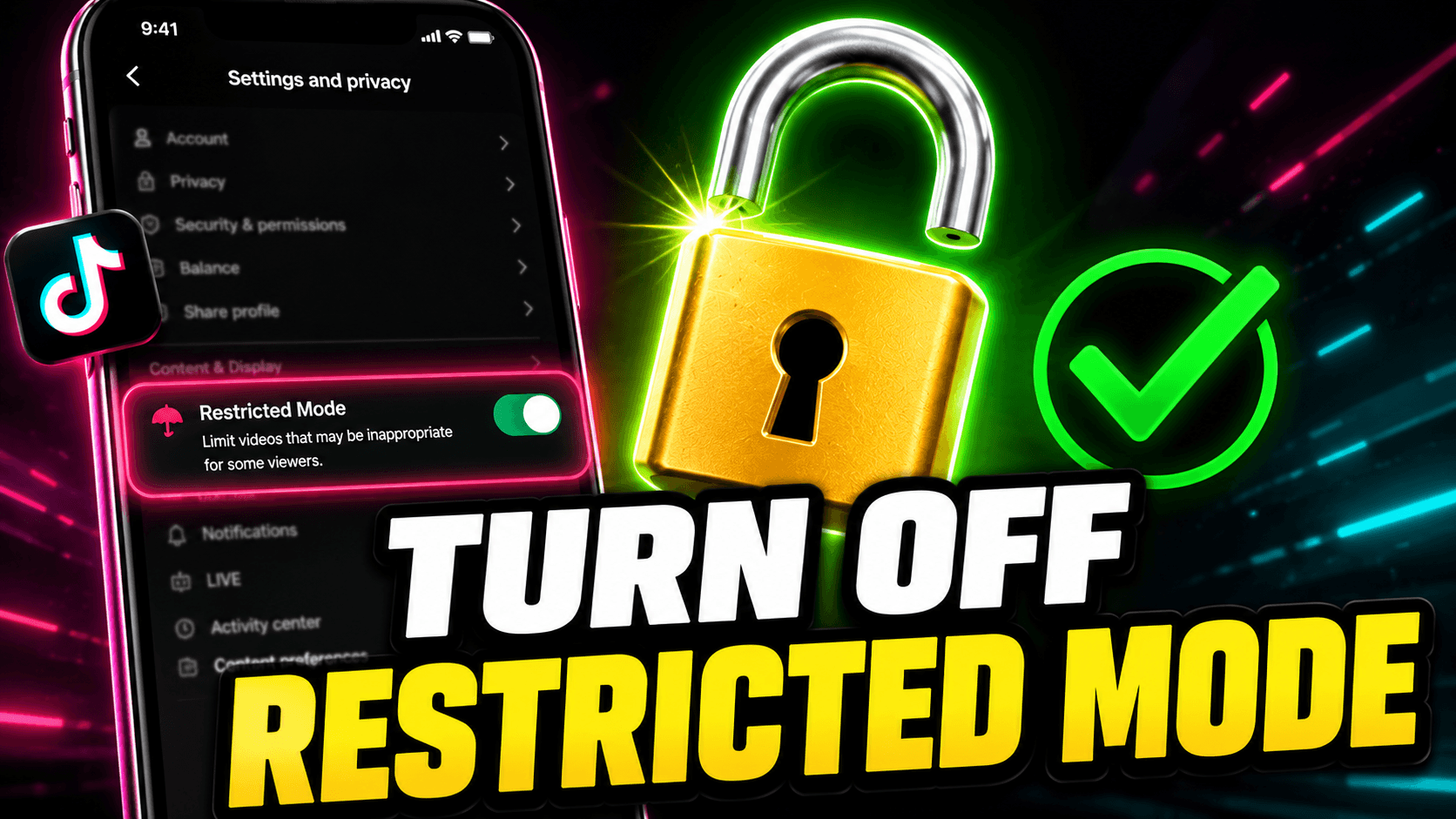
Go to your TikTok profile, tap the menu icon (☰), open Settings and Privacy → Content Preferences → Restricted...
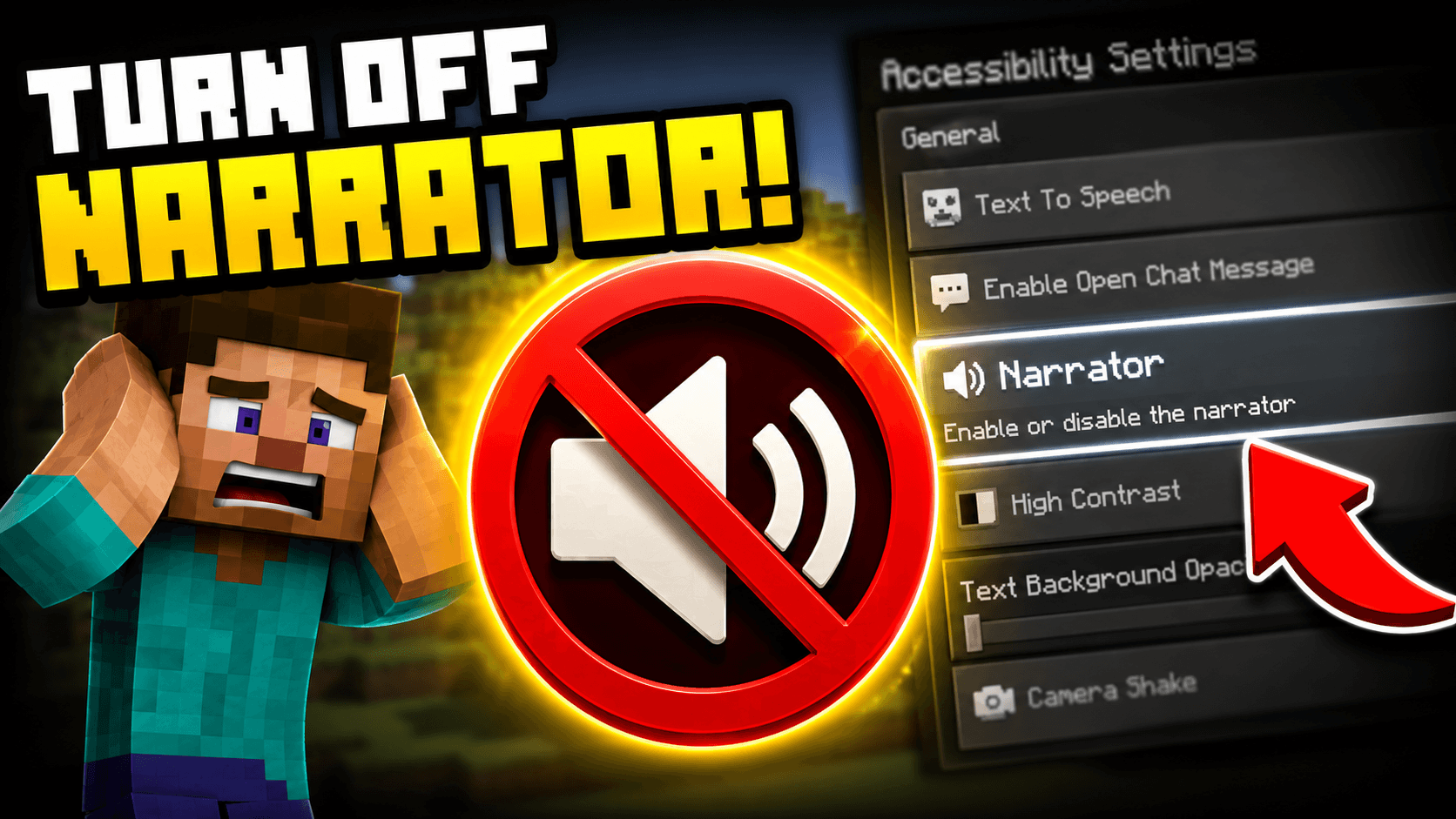
Press Ctrl + B on PC to toggle the Minecraft narrator off immediately. If you are on console, go to Settings, ...
Have a suggestion for a new platform, found a bug, or just want to say hello? We'd love to hear from you.
[email protected]