How to Enable Trusted Friends on Roblox
To add someone as a Trusted Friend on Roblox, you first need to have completed an age check on your account, a...
We build privacy-first, lightning-fast web utilities to help creators, gamers, and businesses secure their digital identities.
The idea for Social Username Checker was born out of a genuine frustration. In 2023, while attempting to launch a new digital media agency, our team spent hours manually navigating between TikTok, Instagram, X (Twitter), and YouTube just to see if our desired brand name was available.
Every time we found an available name on one platform, it was inevitably taken on another. We searched for a unified tool to check these platforms simultaneously, but what we found was disappointing. The existing tools were incredibly slow, littered with intrusive pop-up ads, or worse—required us to create an account and hand over our email address just to perform a simple search.
We knew there had to be a better way. We set out to build the exact tool we wished we had: a lightning-fast, highly accurate, and completely free utility that respects user privacy. Today, this tool processes thousands of checks daily, helping everyone from Minecraft gamers to corporate brands secure their perfect handles.
Whether you're starting a new stream, launching a business, or rebranding your social presence, your identity starts here.
Supported Platforms
Data Points Logged
Free to Use
With over 5 years of experience in full-stack web development and digital branding, Louis built this tool to bridge the gap between complex API integrations and simple, user-friendly design.
Before starting this project, Louis worked closely with content creators and esports organizations, witnessing firsthand how crucial a consistent digital identity is for modern growth. He is passionate about maintaining a privacy-first web ecosystem, which is why Social Username Checker is strictly engineered to never log, store, or sell user search queries.
By connecting directly to public platform endpoints, we optimize our code to ensure availability results appear in milliseconds, completely uninterrupted.
We are firmly privacy-first. We do not require accounts, we do not utilize tracking cookies for searches, and we do not sell your data to domain squatters.
We go beyond just checking. By integrating advanced generative AI, we actively help users brainstorm unique, available alternatives when their first choice is taken.
Tips and guides on social media management.
To add someone as a Trusted Friend on Roblox, you first need to have completed an age check on your account, a...
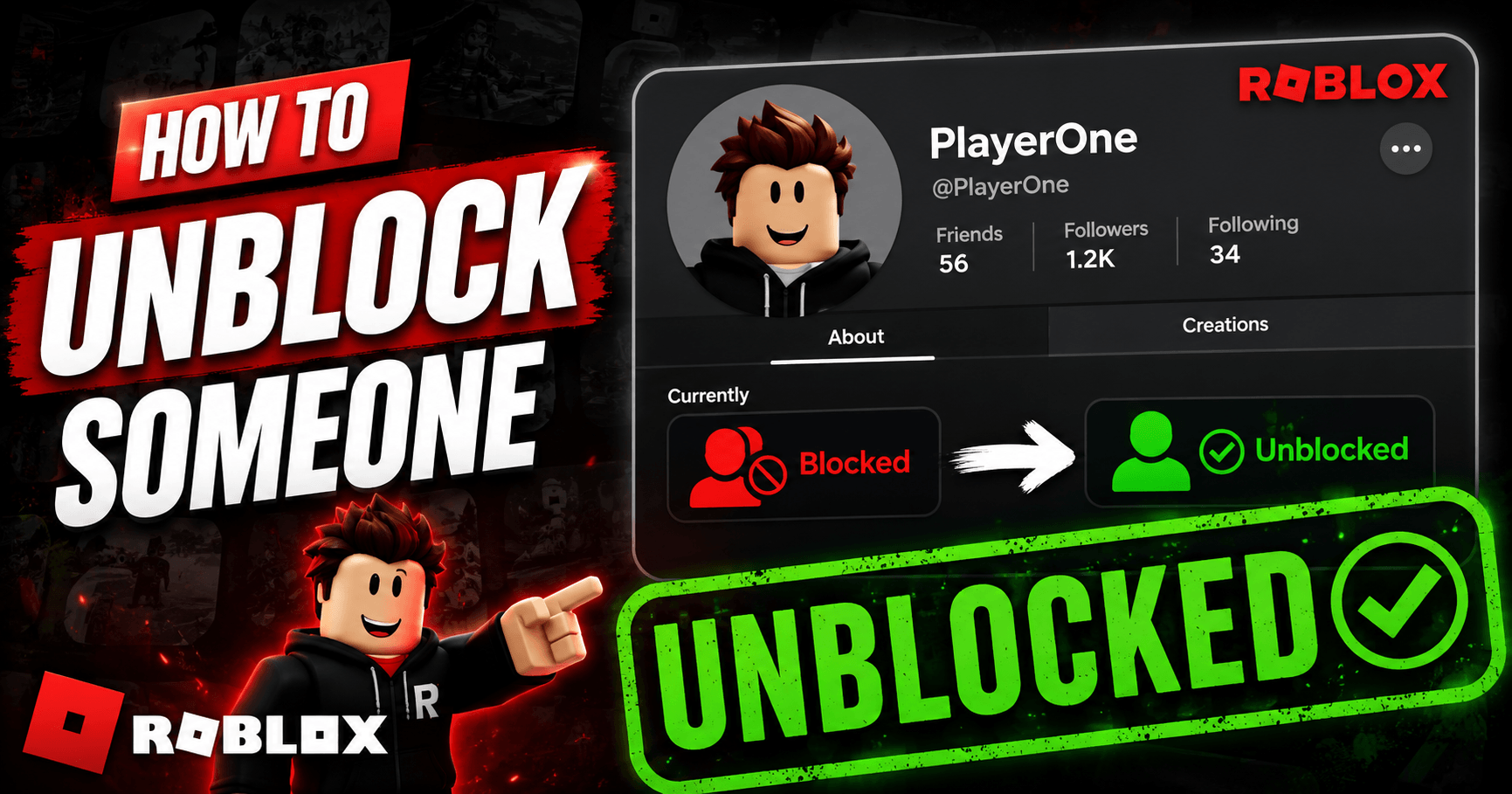
To unblock someone on Roblox, go to Settings, open the Privacy tab, find their name under Blocked Users, and t...
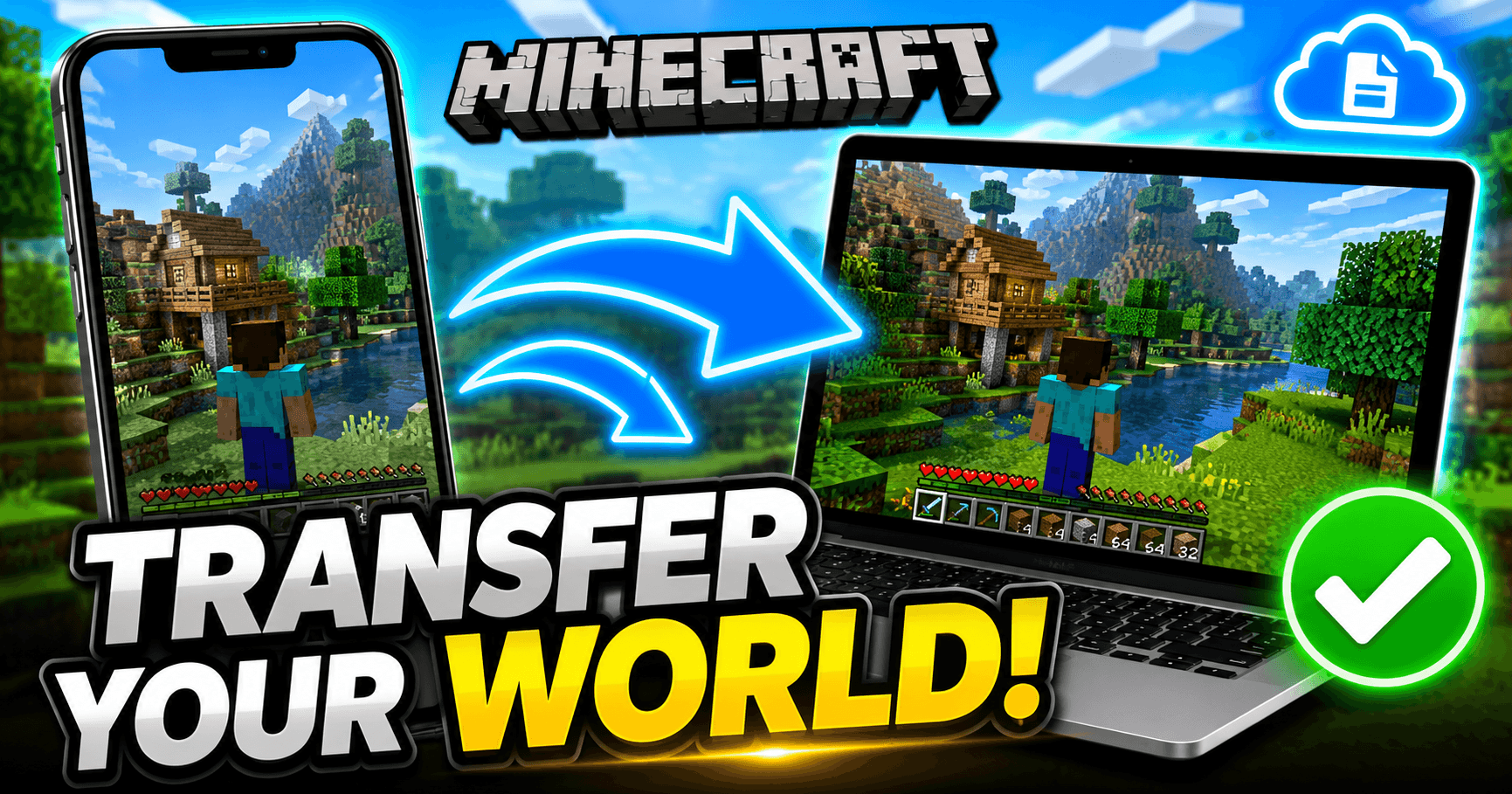
Minecraft doesn’t back your worlds up to the cloud automatically, so moving one to a new device means moving t...
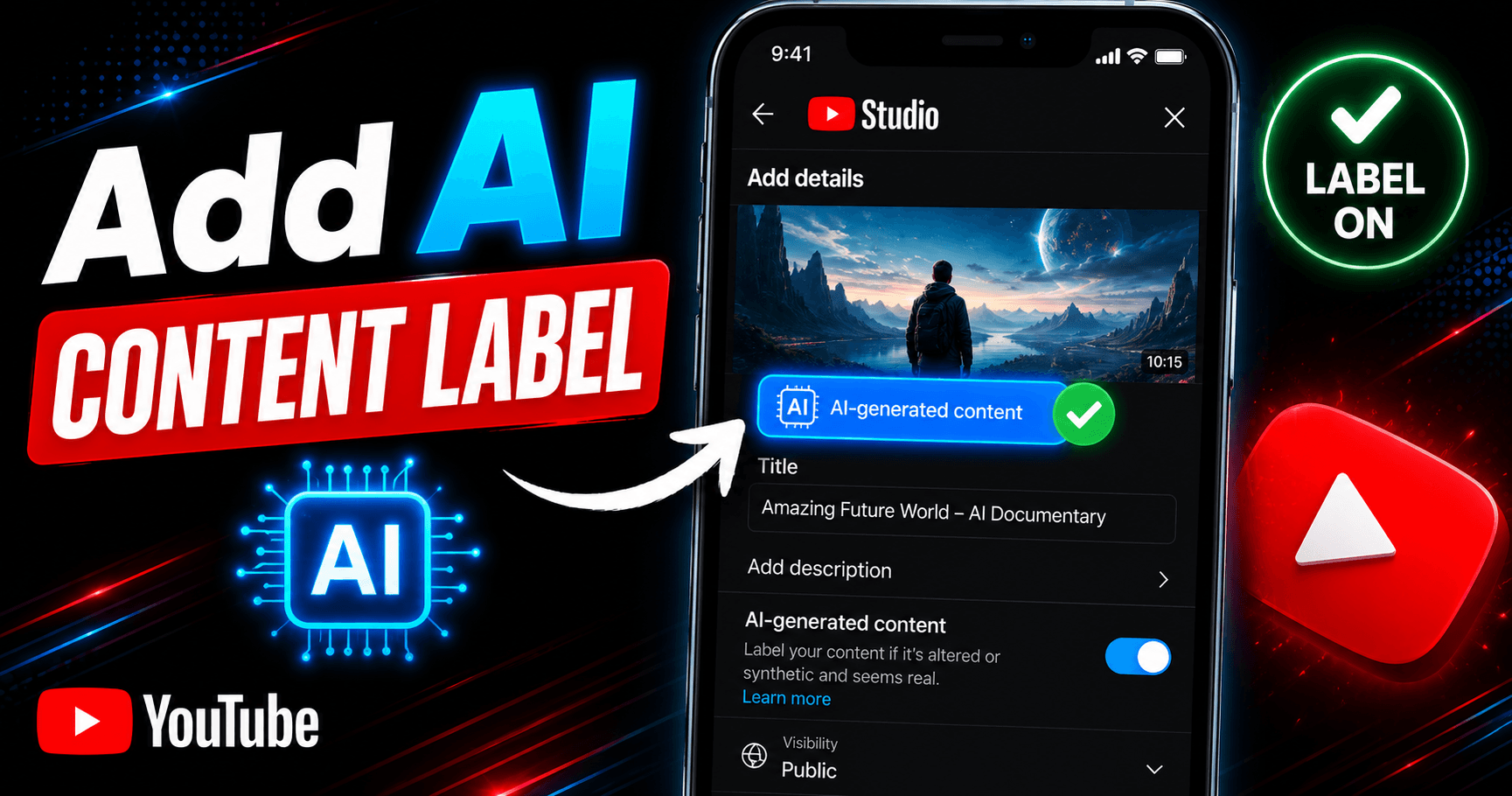
You add an AI content label in YouTube Studio by toggling “Yes” under AI use in the Attributes section during ...
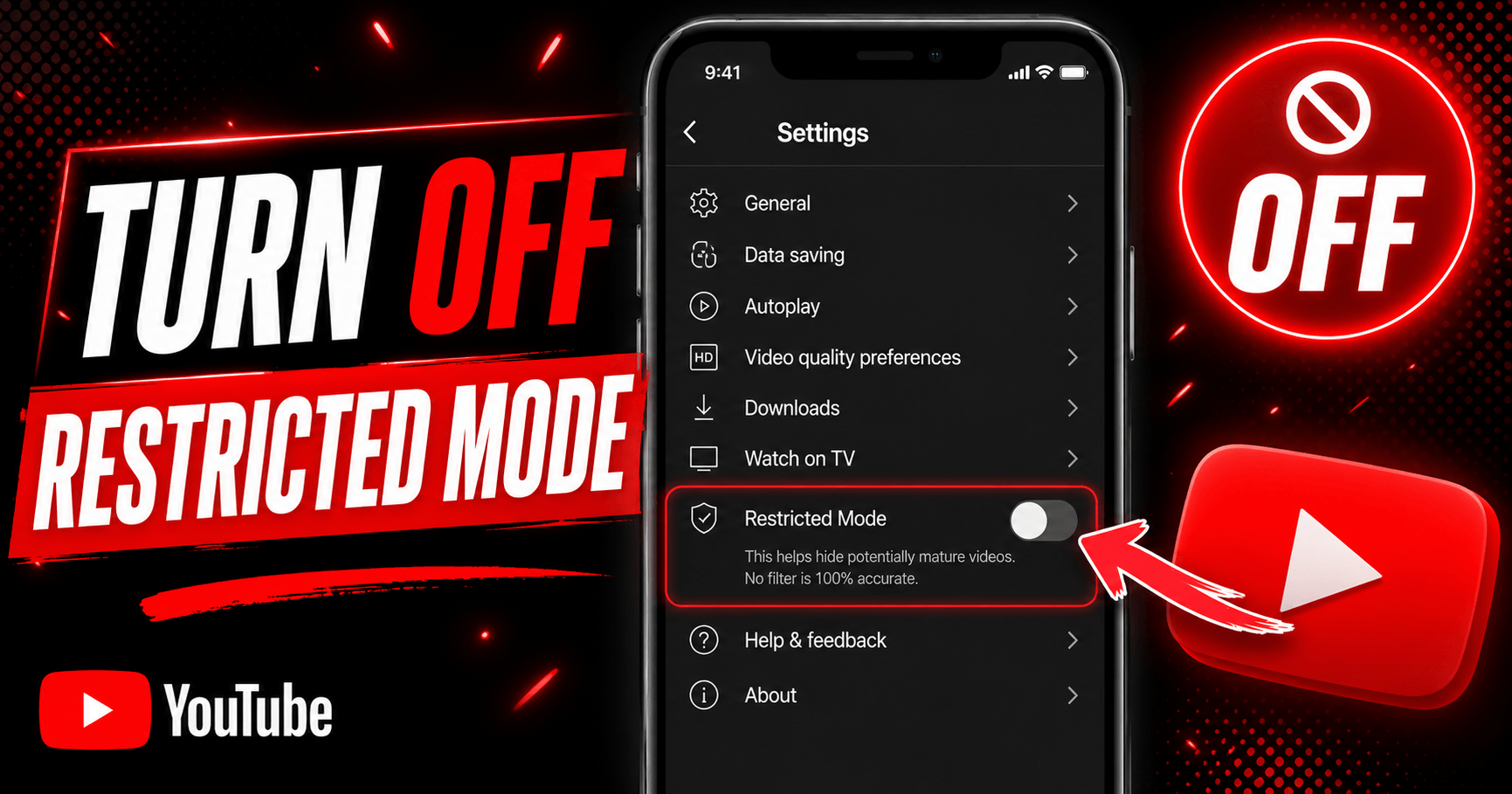
To turn off Restricted Mode on YouTube, tap your profile photo, open Restricted Mode (or Settings > General on...
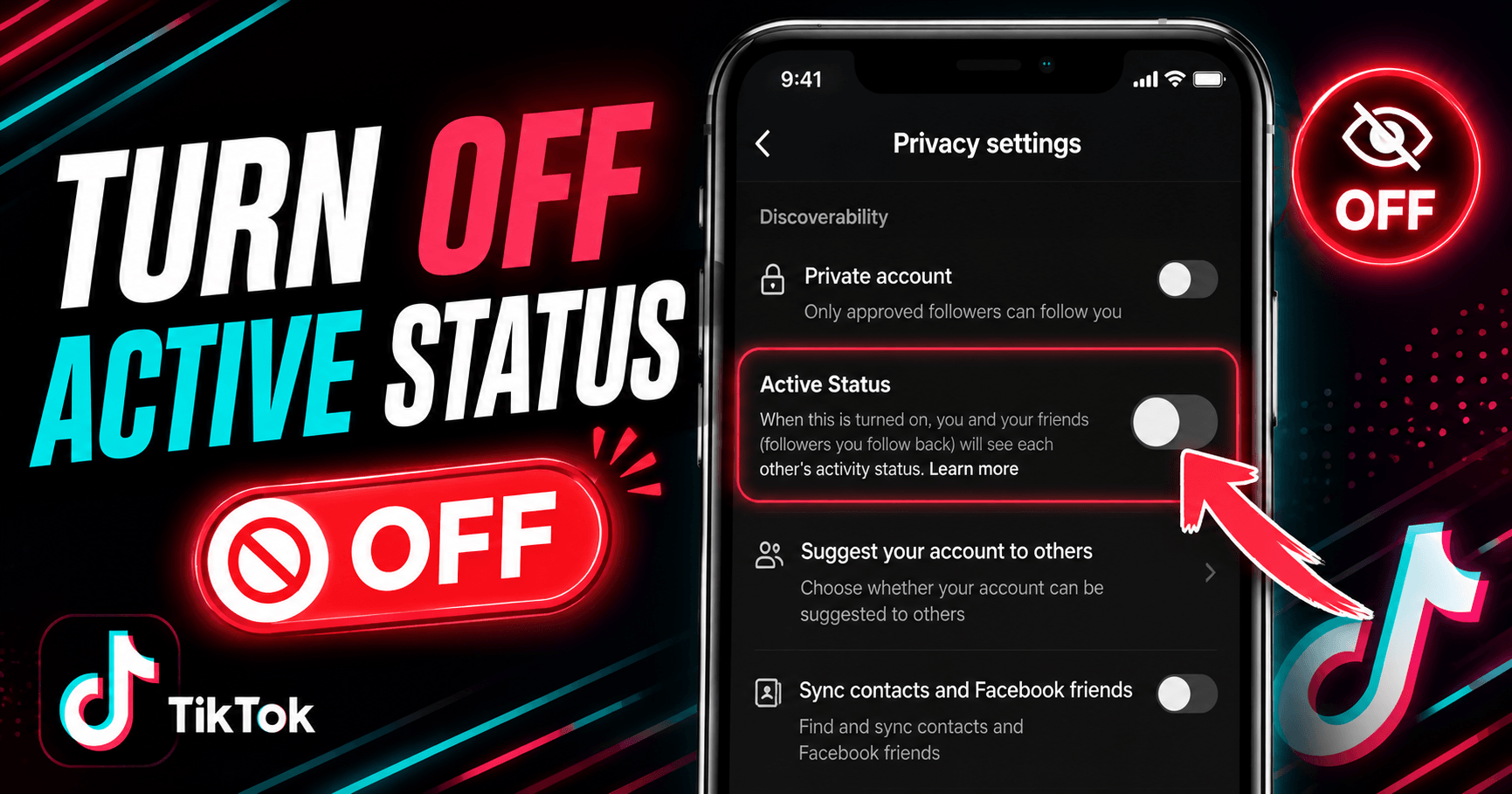
Go to your TikTok profile, tap the menu icon (☰), then go to Settings and Privacy → Privacy → Active Status an...
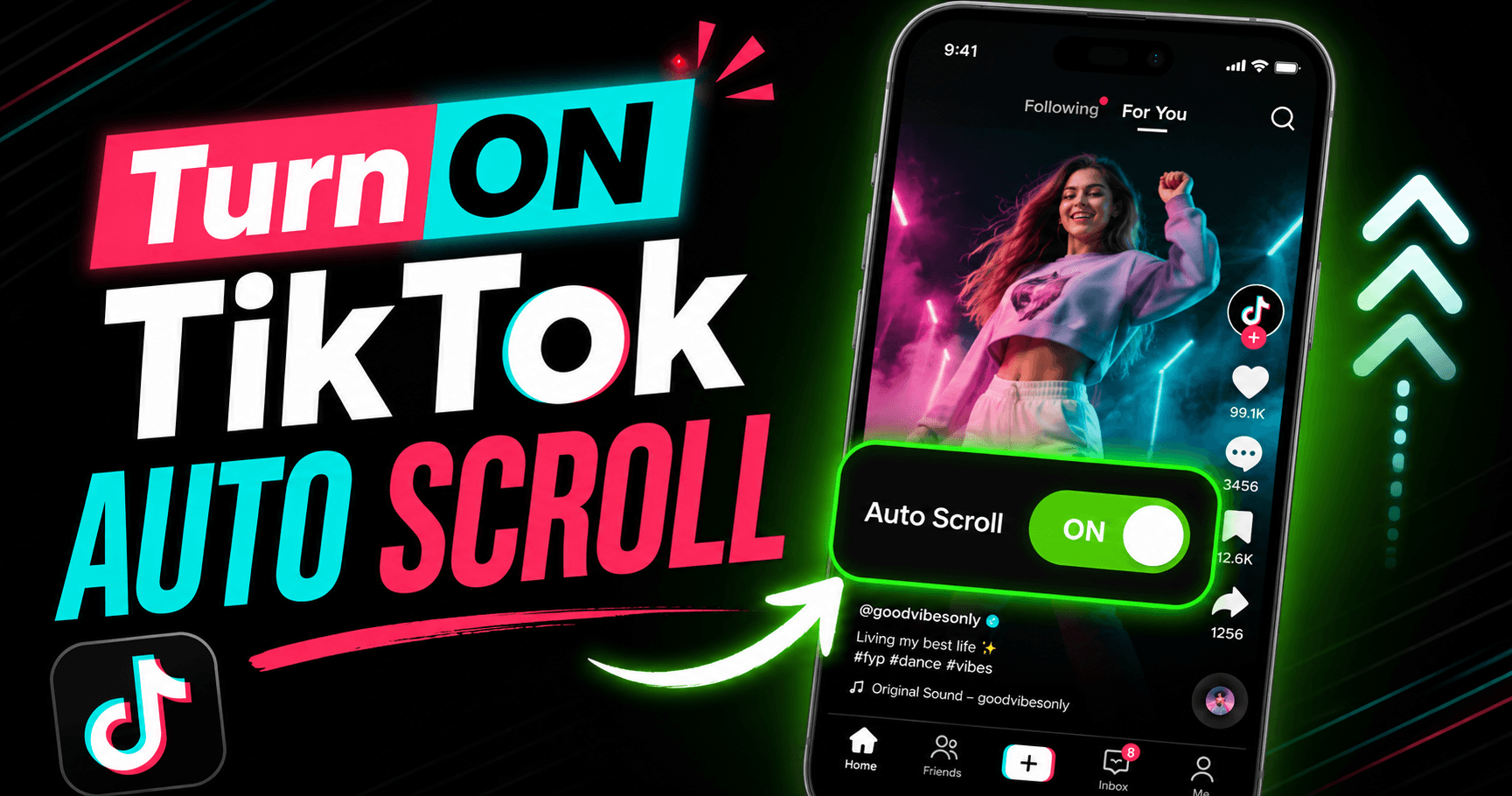
Auto scroll on TikTok moves you to the next video automatically once the current one finishes, so you don’t ha...
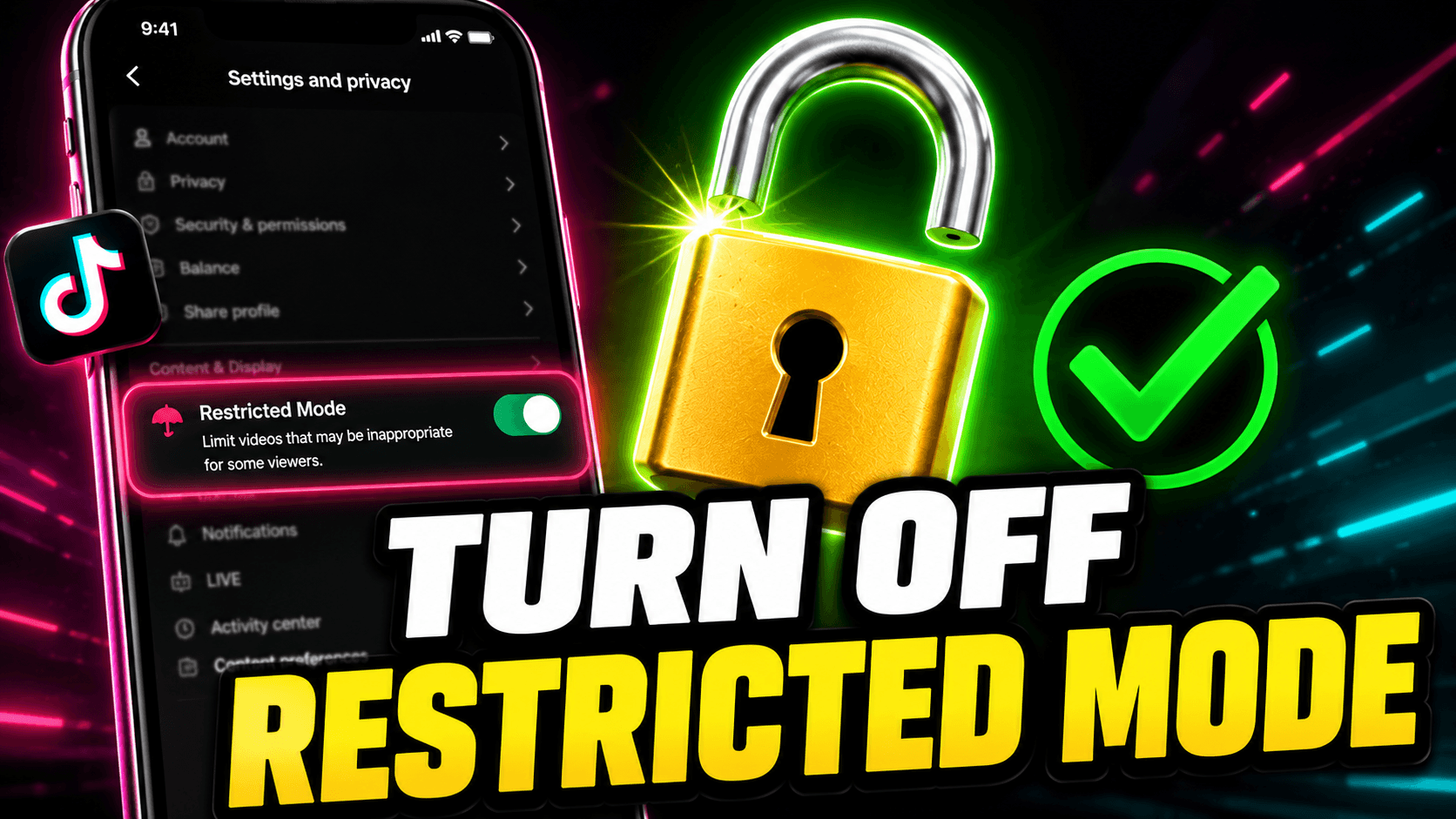
Go to your TikTok profile, tap the menu icon (☰), open Settings and Privacy → Content Preferences → Restricted...
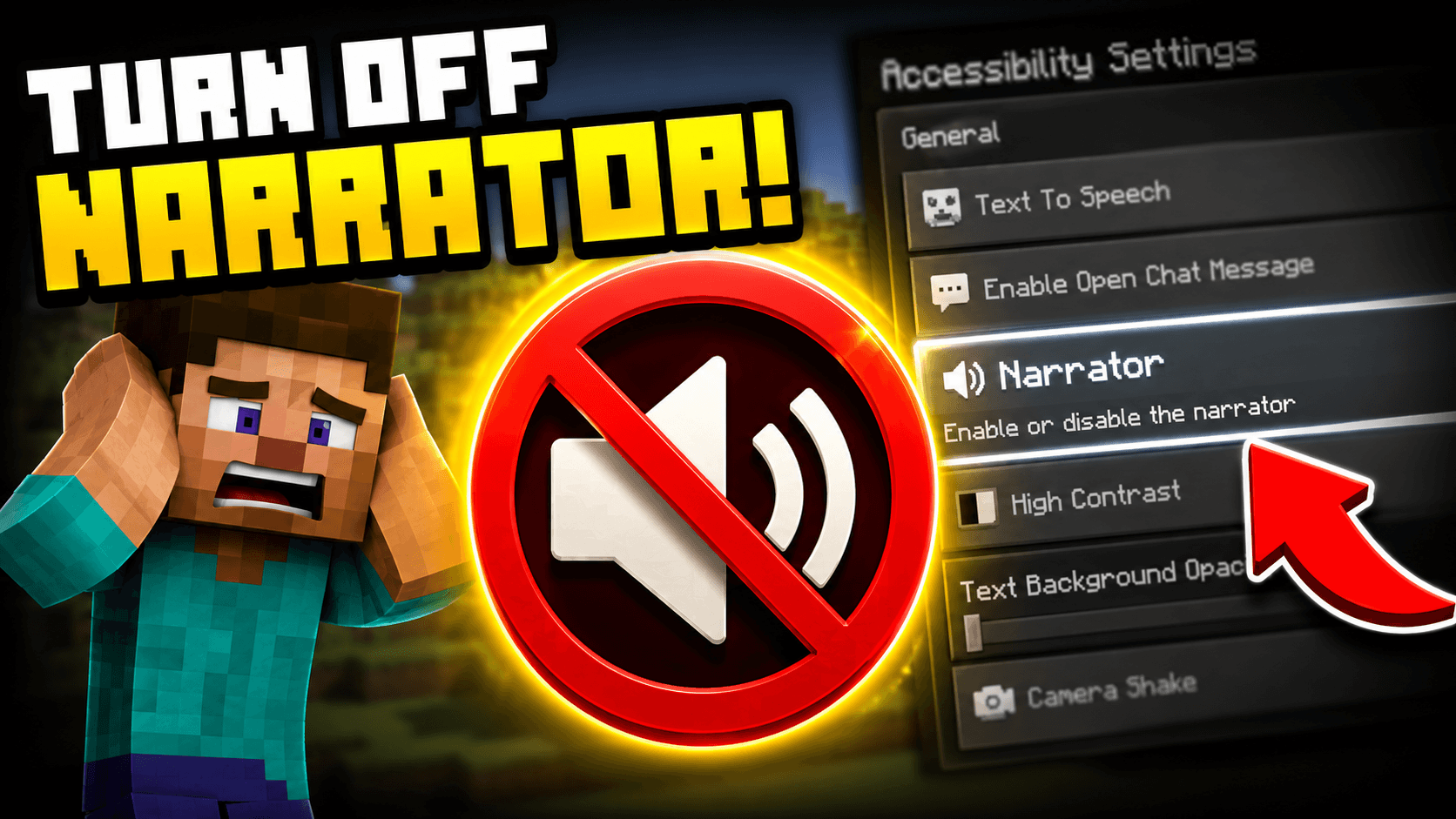
Press Ctrl + B on PC to toggle the Minecraft narrator off immediately. If you are on console, go to Settings, ...
Have a suggestion for a new platform, found a bug, or just want to say hello? We'd love to hear from you.
[email protected]