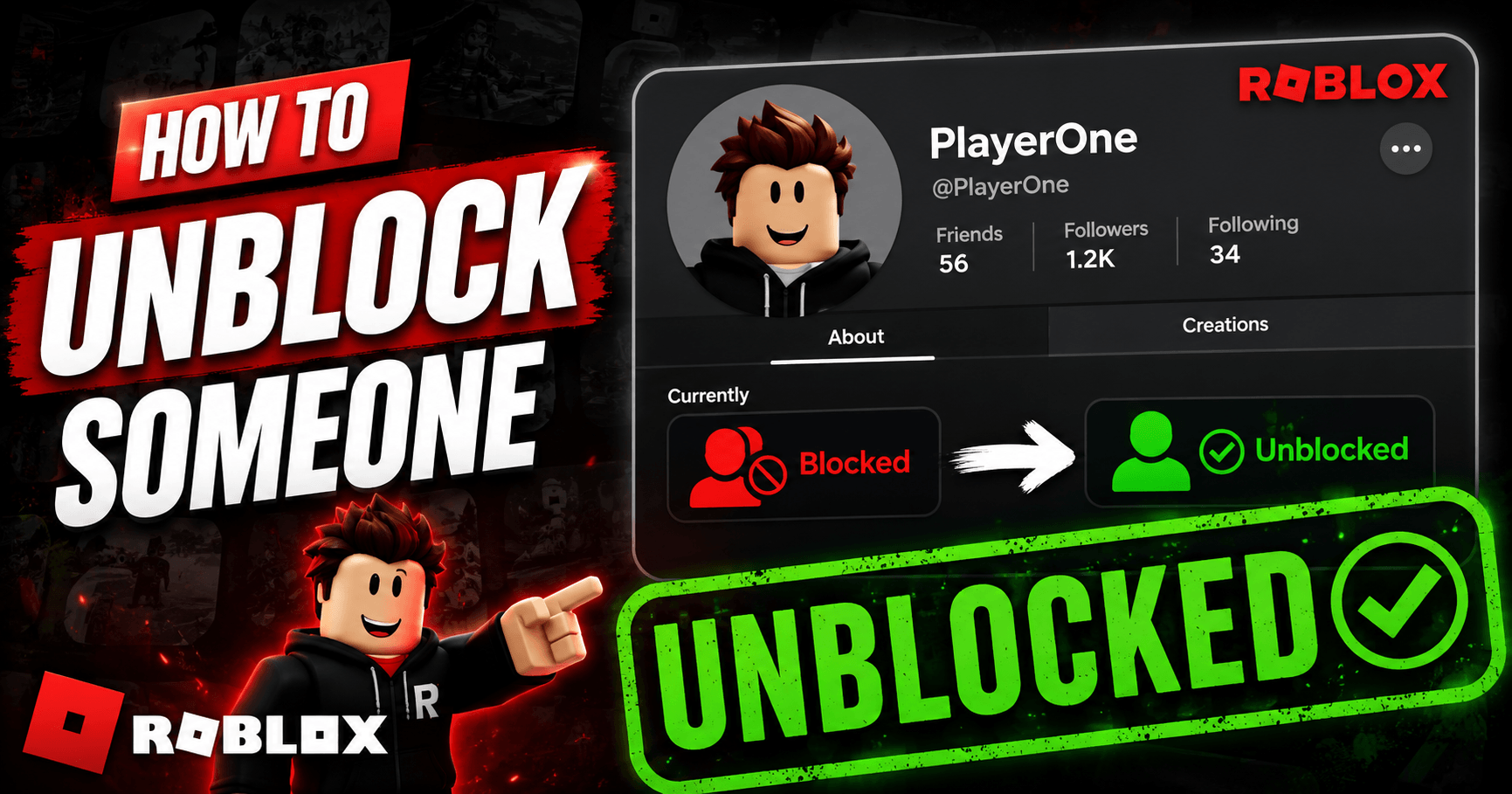
To unblock someone on Roblox, go to Settings, open the Privacy tab, find their name under Blocked Users, and tap Unblock. It takes effect right away, with no waiting period and no email confirmation, and the other person is never notified that it happened.
The exact tap sequence to follow might be slightly different depending on whether you are on the website, the mobile app, or inside a live game with them, so here’s each version.
What You’ll Need
- Your Roblox login (the account that did the blocking)
- A minute or two, this is a two-tap process once you’re in the right menu.
- Your Parental PIN, if one is set on the account. Accounts registered for players under 13 often have a PIN attached, and it silently disables the unblock button until you enter it. This trips up more people than any other step in this process.
Unblock Someone on Roblox.com (Website)
1. Log in and click the gear icon in the top-right corner of the page.
2. Select Settings, then click the Privacy tab.
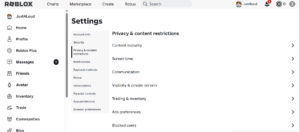
3. Scroll to Blocked Users and click Show to expand the list.
4. Find the username, the search field at the top saves scrolling if you’ve blocked a lot of people, and click Unblock next to it.
5. Confirm in the pop-up window that appears.
That is the whole process on desktop. The one thing worth knowing: the Blocked Users section stays hidden by default when your list is empty, so if you can’t find it at all, you probably have nobody currently blocked.
Unblock Someone on the Roblox Mobile App (iOS and Android)
1. Open the app and tap the ••• (More) icon in the bottom navigation bar.
2. Tap Settings.
3. Tap Privacy.
4. Tap Show under the Blocked Users heading.
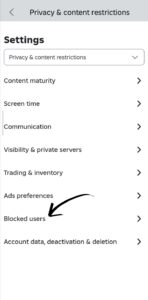
5. Scroll or use the search bar to find the player.
6. Tap Unblock, then confirm.
The mobile layout buries this one tap deeper than the website does, which is the main reason people give up and search for a workaround instead of just following the menu through.
Unblock Someone Mid-Game (Without Leaving the Server)
If you’re already playing with someone, this comes up constantly in team games like Arsenal or Phantom Forces where a block from an earlier match is now blocking your own teammate, you don’t need to alt-tab out to Settings. Tap their name in the player list or leaderboard to open their profile card, then tap the block icon again to toggle it off. It applies instantly for that session, so they can rejoin the voice or text chat without you closing the game. Also read how to turn on voice chat on Roblox.
Why the Unblock Button Is Grayed Out
This is almost always a Parental PIN issue, not a bug. If a PIN is active on the account, Roblox locks changes to the Blocked Users list, along with several other privacy settings, until the correct PIN is entered in Settings. Type it in, and the Unblock button becomes clickable immediately. If there’s no PIN on the account and the button is still unresponsive, a hard refresh of the page (or a full app restart on mobile) clears it in most cases.
What Actually Changes After You Unblock Someone
This is the part that trips people up: unblocking removes the restrictions, but it doesn’t undo everything a block did. Once you unblock someone, they can message you, send a friend request, and join your game servers again. What it does not do is restore a friendship. If you were friends before you blocked them, blocking silently removed that connection, and unblocking won’t bring it back, one of you has to send a new friend request. It’s a common misconception that unblocking is a full undo button; it only reopens the door, it doesn’t walk the relationship back through it.
Frequently Asked Questions (FAQs)
How do I unblock someone on Roblox on mobile?
Open the app, tap the ••• More icon, go to Settings > Privacy, tap Show under Blocked Users, then tap Unblock next to their name. The whole process takes under a minute.
Why is the unblock button grayed out on Roblox?
It’s almost always caused by an active Parental PIN on the account, which locks privacy settings until you enter it correctly. If there’s no PIN involved, a page refresh or app restart usually fixes it.
Does unblocking someone on Roblox notify them?
No. Roblox doesn’t send a notification, email, or in-app alert to either party when a block is lifted. The other person only finds out if they try to message or friend-request you and it works.
Is there a limit to how many people you can block on Roblox?
Yes, Roblox currently caps this at 50 blocked users per account, and there’s no visible counter showing where you stand. Accounts active in high-traffic games tend to hit this limit faster and need to unblock old, inactive entries to free up space.
Does unblocking someone restore your friendship on Roblox?
No. Blocking removes an existing friend connection, and unblocking doesn’t automatically restore it. Whoever wants to reconnect has to send a fresh friend request afterward.
If the person you unblocked was a friend beforehand, the next step is sending that friend request again, it won’t happen on its own.
 Share this post