How to Enable Trusted Friends on Roblox
To add someone as a Trusted Friend on Roblox, you first need to have completed an age check on your account, a...
Last updated: May 2026
Please read this disclaimer carefully before using Social Username Checker. By using our website and tools, you accept this disclaimer in full.
The names TikTok, Instagram, X (Twitter), Roblox, Twitch, YouTube, Reddit, Minecraft, and their related logos, marks, and emblems are registered trademarks of their respective owners.
Our use of these trademarked names is strictly for identification and reference purposes under the legal doctrine of Nominative Fair Use. Because our service provides a specific utility (availability checking) related to these platforms, it is impossible to offer this service without explicitly naming them. We claim no ownership over these trademarks and make no attempt to impersonate these corporate entities.
While we utilize advanced programming to query public endpoints and strive to keep our information correct, Social Username Checker makes no representations or warranties of any kind—express or implied—about the absolute accuracy, completeness, or reliability of the username availability status provided by our tools.
A result of "Available" on our platform does not guarantee that you will be able to successfully register the name on the respective application. Platforms frequently block or reserve names for reasons hidden from public databases, including but not limited to:
This tool is provided "as is" for personal and informational use. We do not guarantee uninterrupted or error-free operation of our tools, as our system relies on external API responses and platform limitations that are entirely outside of our control.
To ensure a fair experience for all human users and to manage our server costs, we actively monitor for abuse. We reserve the right to permanently block IP addresses or limit access to users who attempt to use automated scraping scripts, botnets, or bypass our security rate-limits.
Your use of this website and its tools is strictly at your own risk. In no event will Social Username Checker, its founders, or its developers be liable for any loss or damage—including without limitation, indirect or consequential loss or damage, or any loss or damage whatsoever arising from loss of data, loss of anticipated branding, or loss of profits—arising out of, or in connection with, the use of this website.
Tips and guides on social media management.
To add someone as a Trusted Friend on Roblox, you first need to have completed an age check on your account, a...
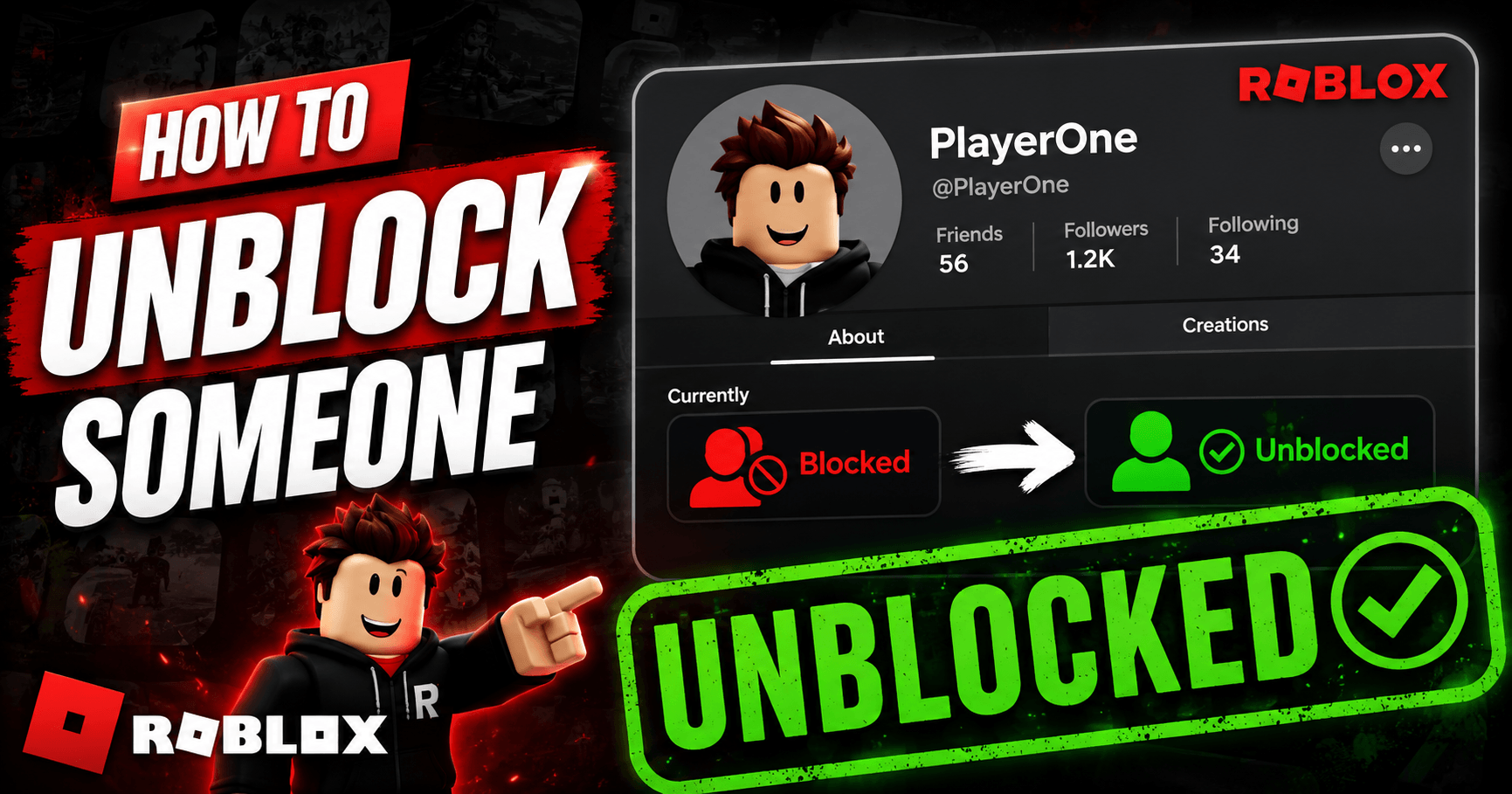
To unblock someone on Roblox, go to Settings, open the Privacy tab, find their name under Blocked Users, and t...
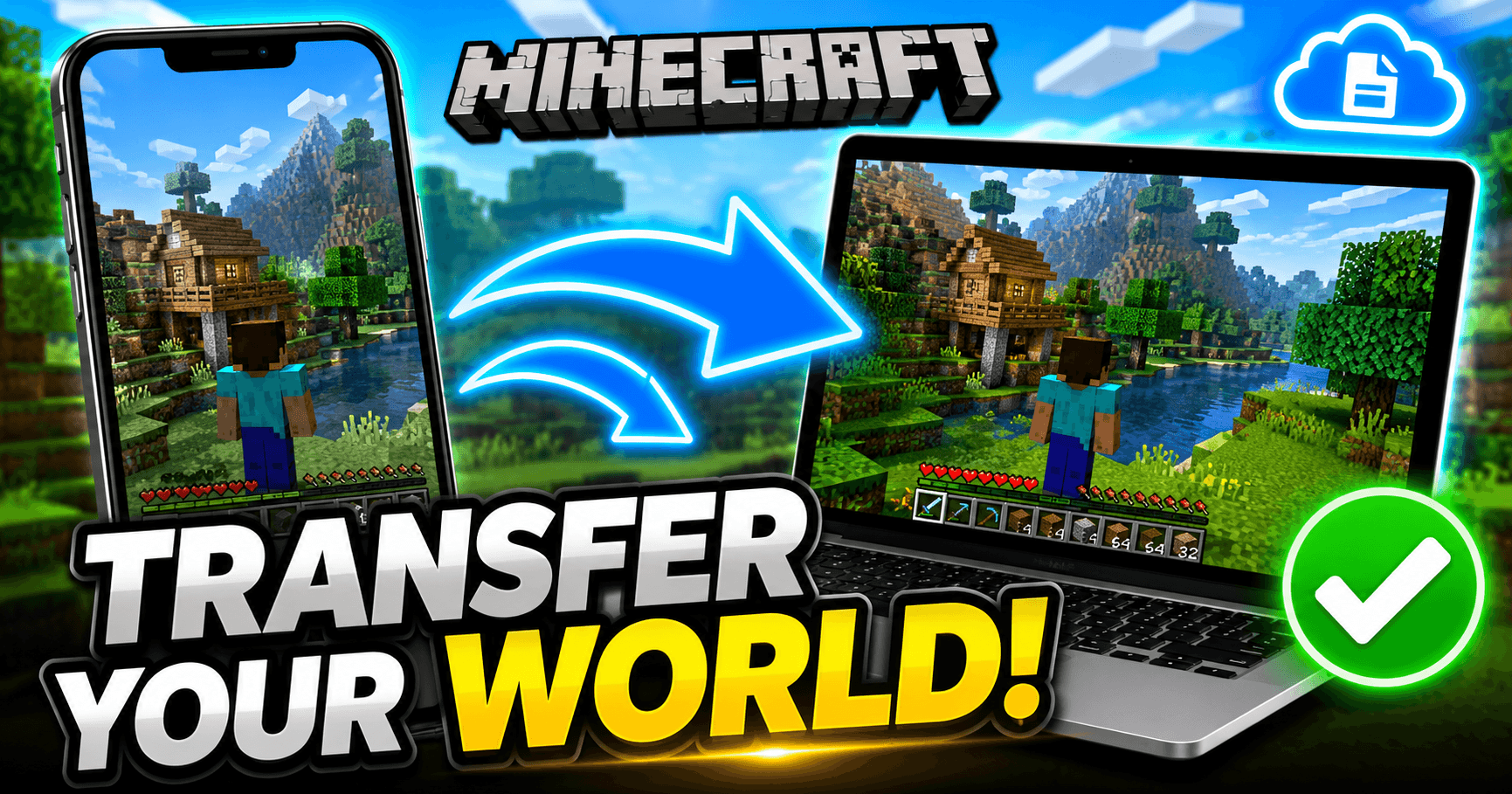
Minecraft doesn’t back your worlds up to the cloud automatically, so moving one to a new device means moving t...
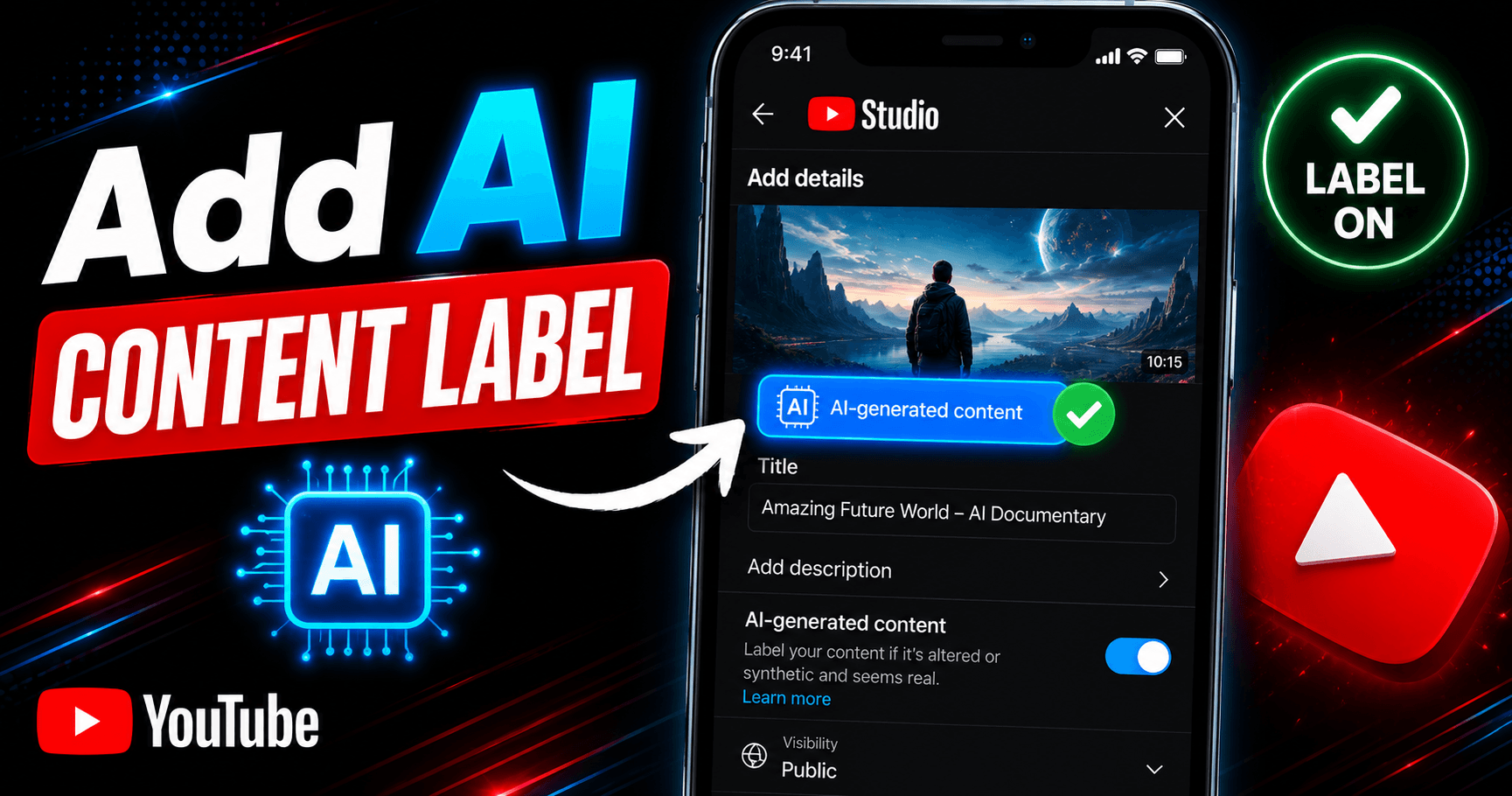
You add an AI content label in YouTube Studio by toggling “Yes” under AI use in the Attributes section during ...
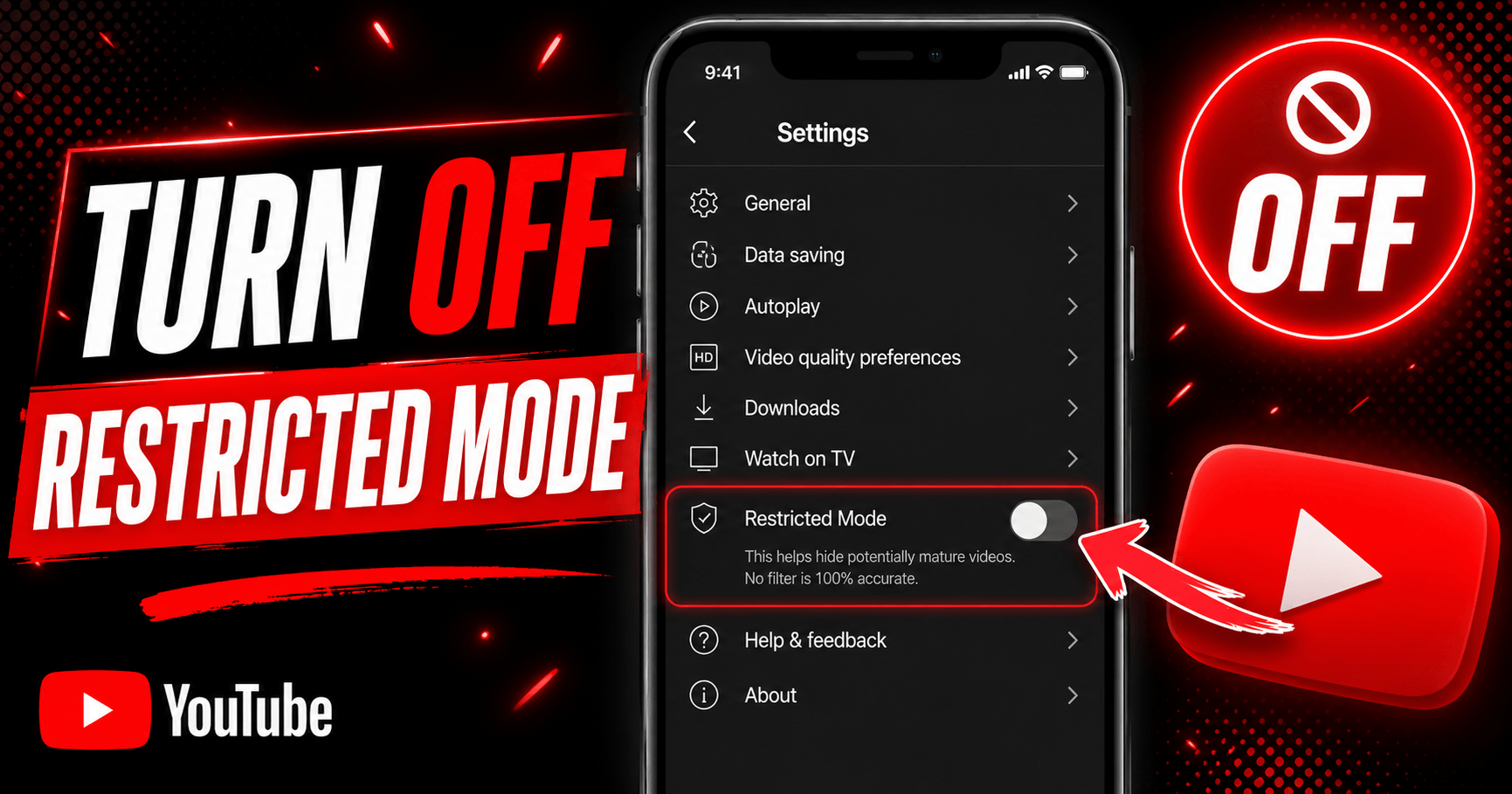
To turn off Restricted Mode on YouTube, tap your profile photo, open Restricted Mode (or Settings > General on...
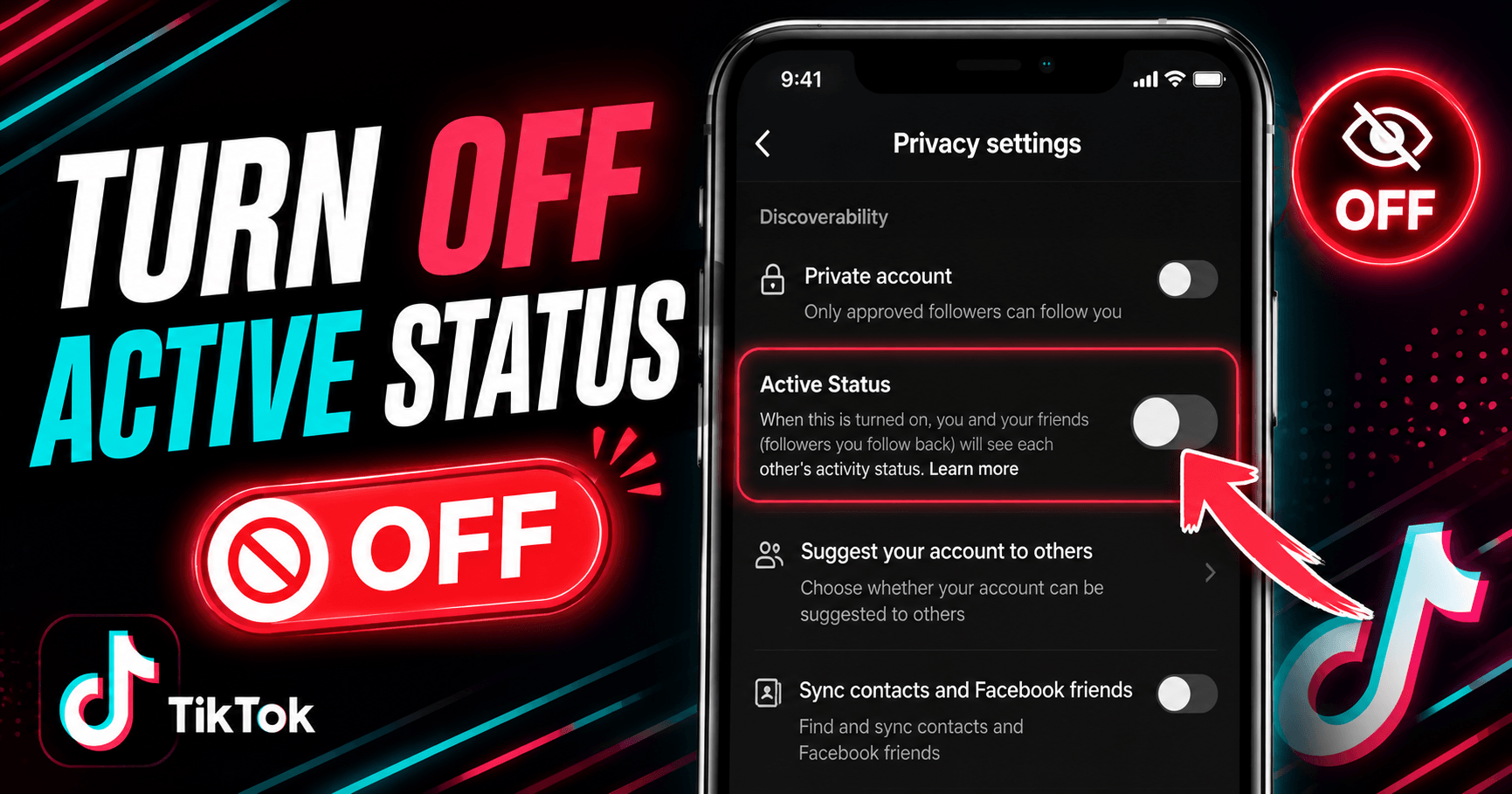
Go to your TikTok profile, tap the menu icon (☰), then go to Settings and Privacy → Privacy → Active Status an...
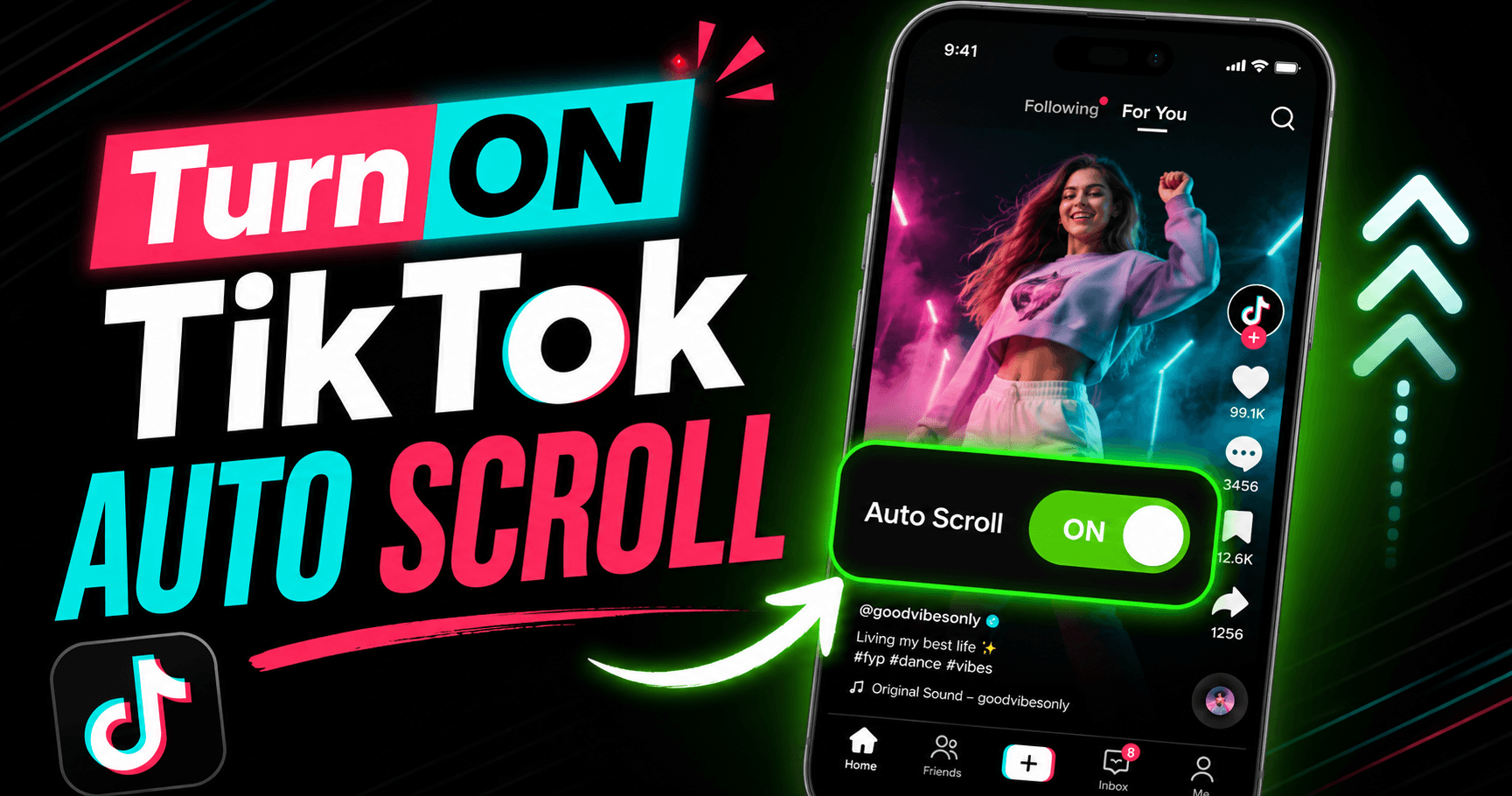
Auto scroll on TikTok moves you to the next video automatically once the current one finishes, so you don’t ha...
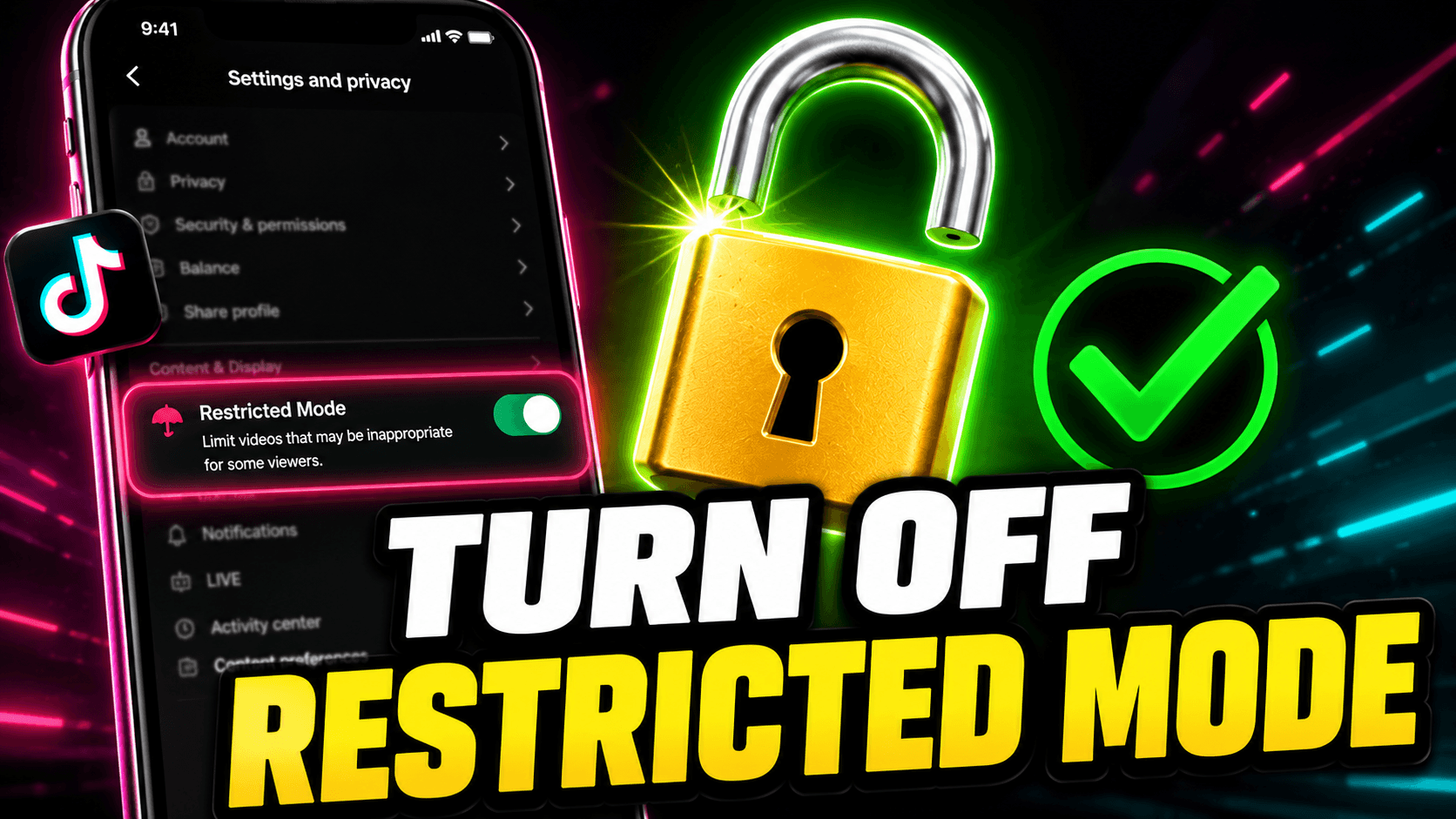
Go to your TikTok profile, tap the menu icon (☰), open Settings and Privacy → Content Preferences → Restricted...
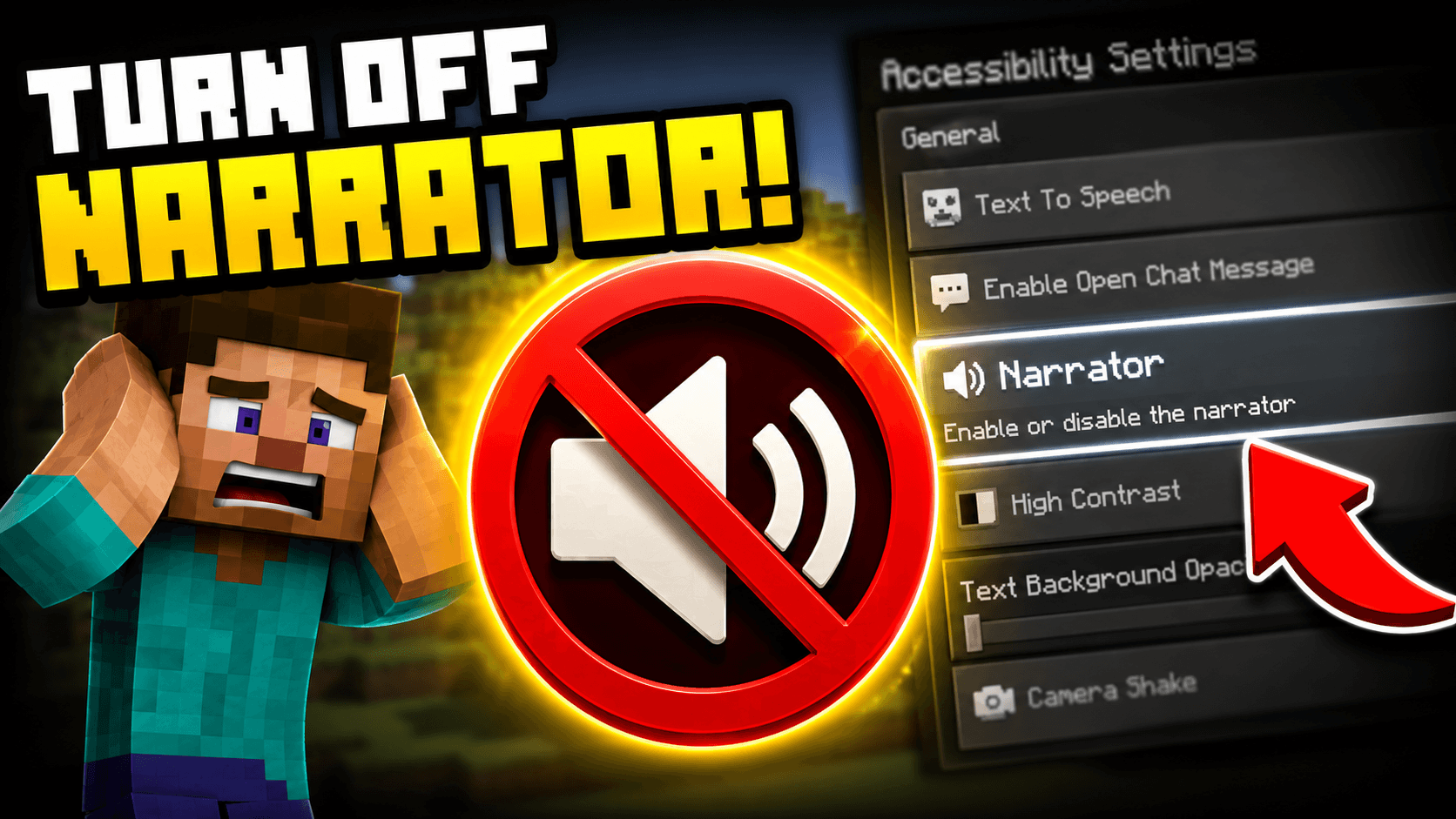
Press Ctrl + B on PC to toggle the Minecraft narrator off immediately. If you are on console, go to Settings, ...
Have a suggestion for a new platform, found a bug, or just want to say hello? We'd love to hear from you.
[email protected]