How to Enable Trusted Friends on Roblox
To add someone as a Trusted Friend on Roblox, you first need to have completed an age check on your account, a...
Instantly check if your desired streaming name is available on Twitch.
We built this checker to be fast, ad-free, and privacy-focused. If it helped you secure your perfect username, please consider chipping in to cover our API costs.
Before you invest time into building your stream overlays, alerts, and brand, you need to ensure your desired handle is actually available. Our twitch username checker securely pings the Twitch database in real-time to tell you if an account has already claimed your name.
Sometimes, searching for a name directly on Twitch won't show any results because the account is banned, inactive, or completely hidden. However, the name might still be locked in their system. By using a direct twitch username lookup, you bypass the search algorithm and get a definitive "Yes" or "No" regarding the name's availability.
Yes! We firmly believe that content creators shouldn't have to pay to build their brand. This is a 100% twitch username checker free of charge. You can check as many usernames as you need without limits, captchas, or forced sign-ups.
When using our twitch name checker, keep in mind that Twitch enforces strict rules for account creation:
If you can't find a name that works, try using our Twitch Username Generator to brainstorm some fresh, available ideas for your stream!
Find viral username ideas.
Check AvailabilitySecure the perfect IG handle.
Check AvailabilityVerify your X handle.
Check AvailabilityGenerate cool gamertags free.
GenerateFind unique gamertags.
Check AvailabilityFind rare & OG gamertags.
Check MinecraftTips and guides on social media management.
To add someone as a Trusted Friend on Roblox, you first need to have completed an age check on your account, a...
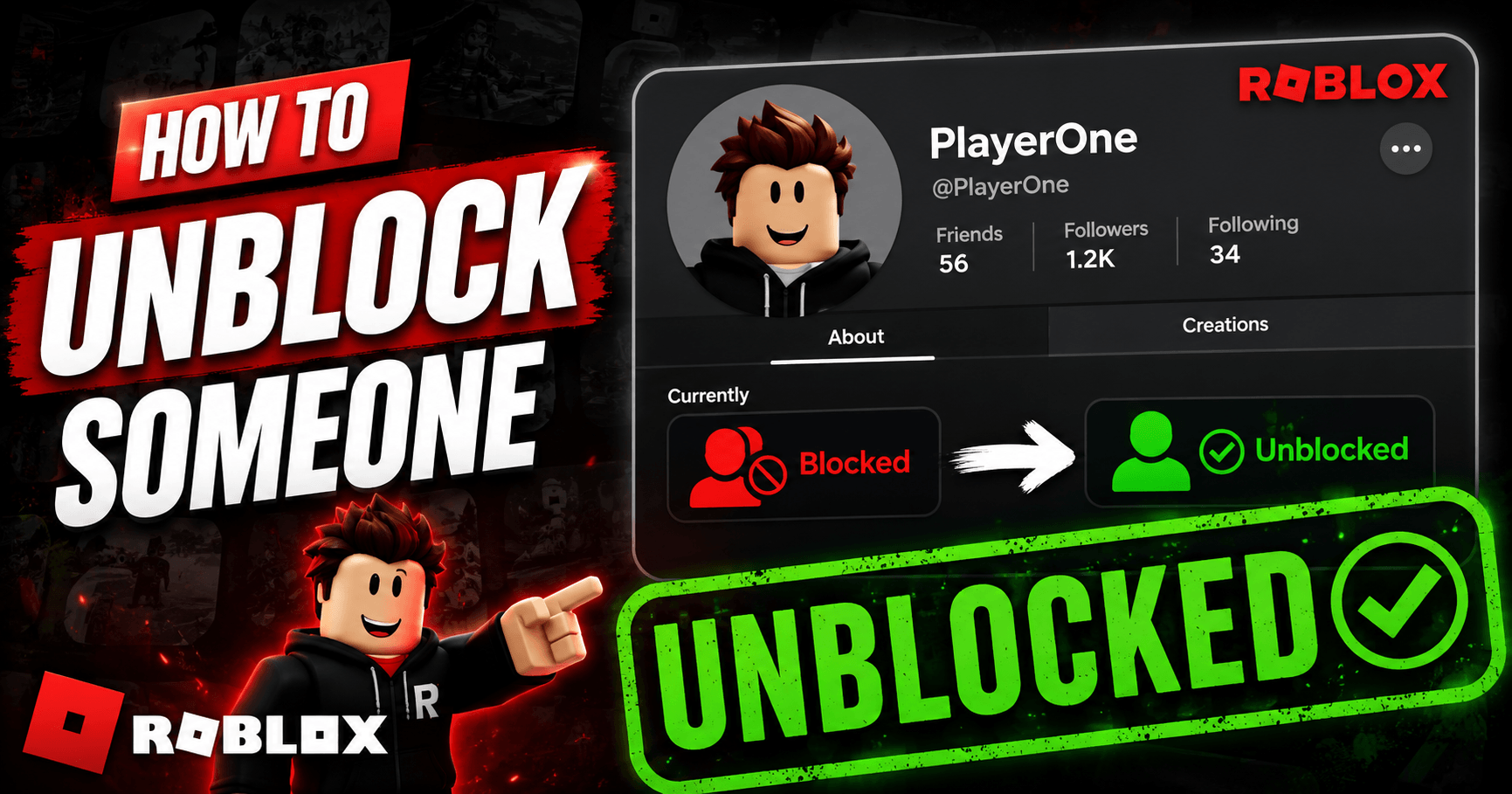
To unblock someone on Roblox, go to Settings, open the Privacy tab, find their name under Blocked Users, and t...
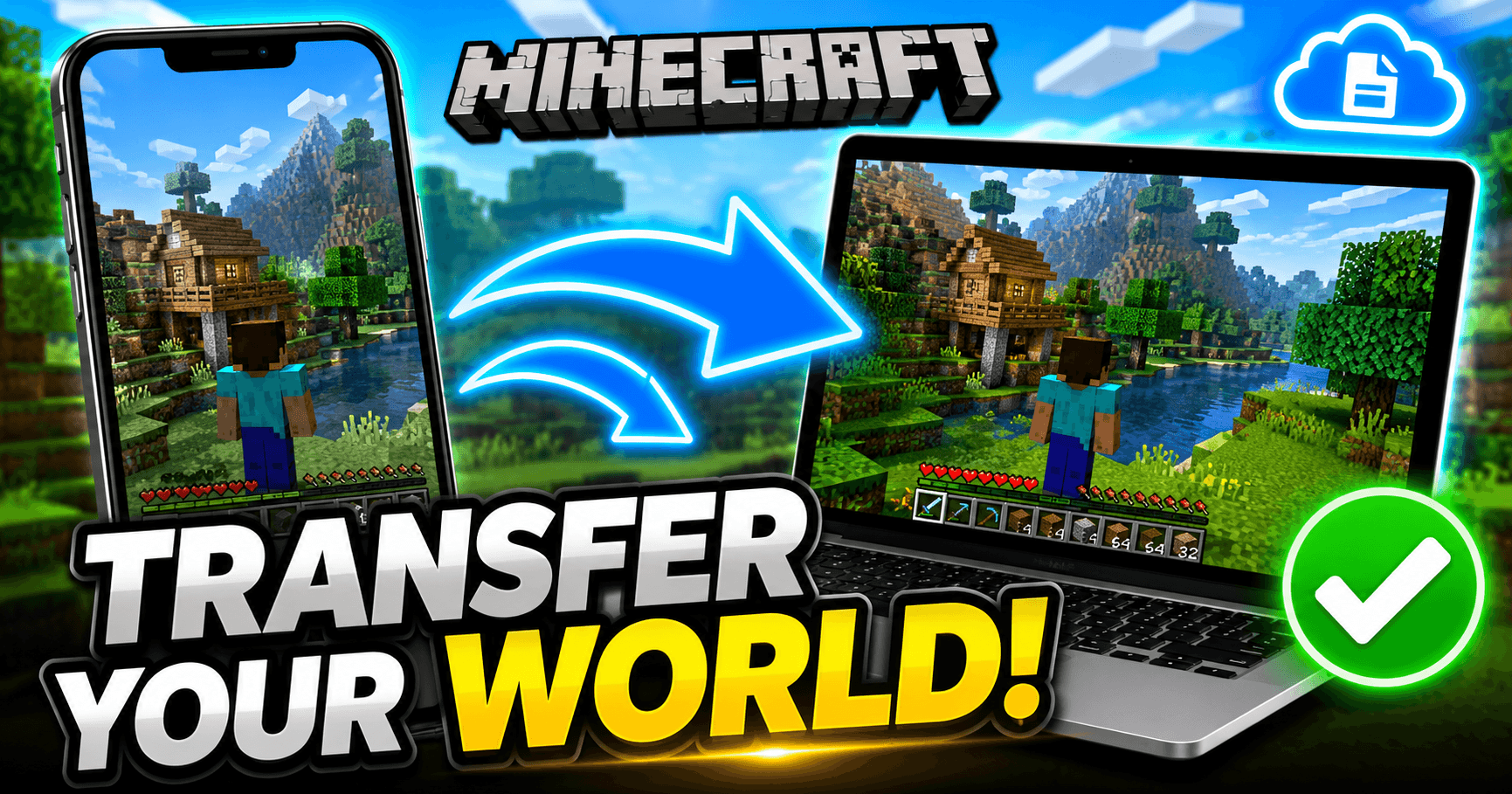
Minecraft doesn’t back your worlds up to the cloud automatically, so moving one to a new device means moving t...
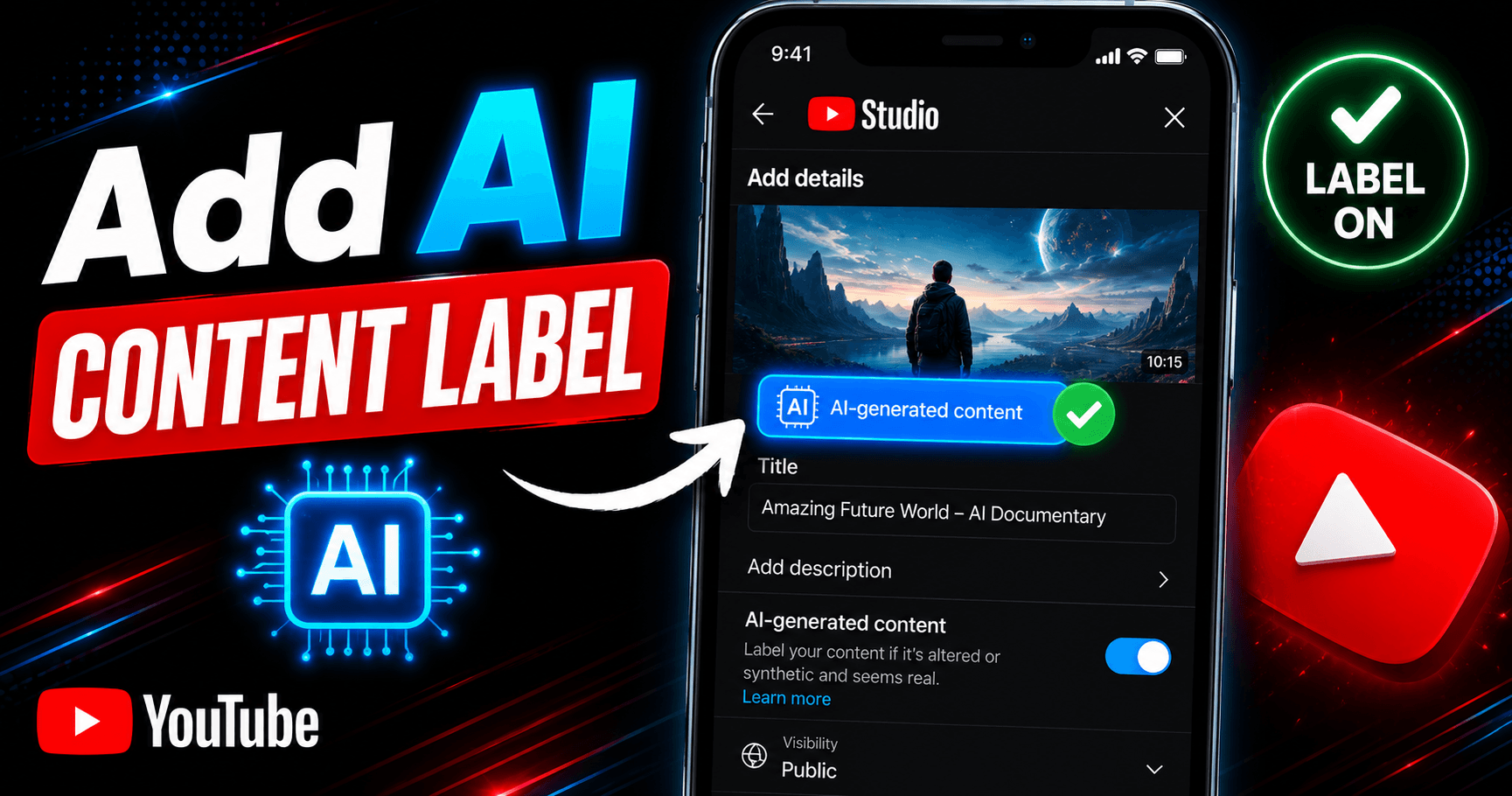
You add an AI content label in YouTube Studio by toggling “Yes” under AI use in the Attributes section during ...
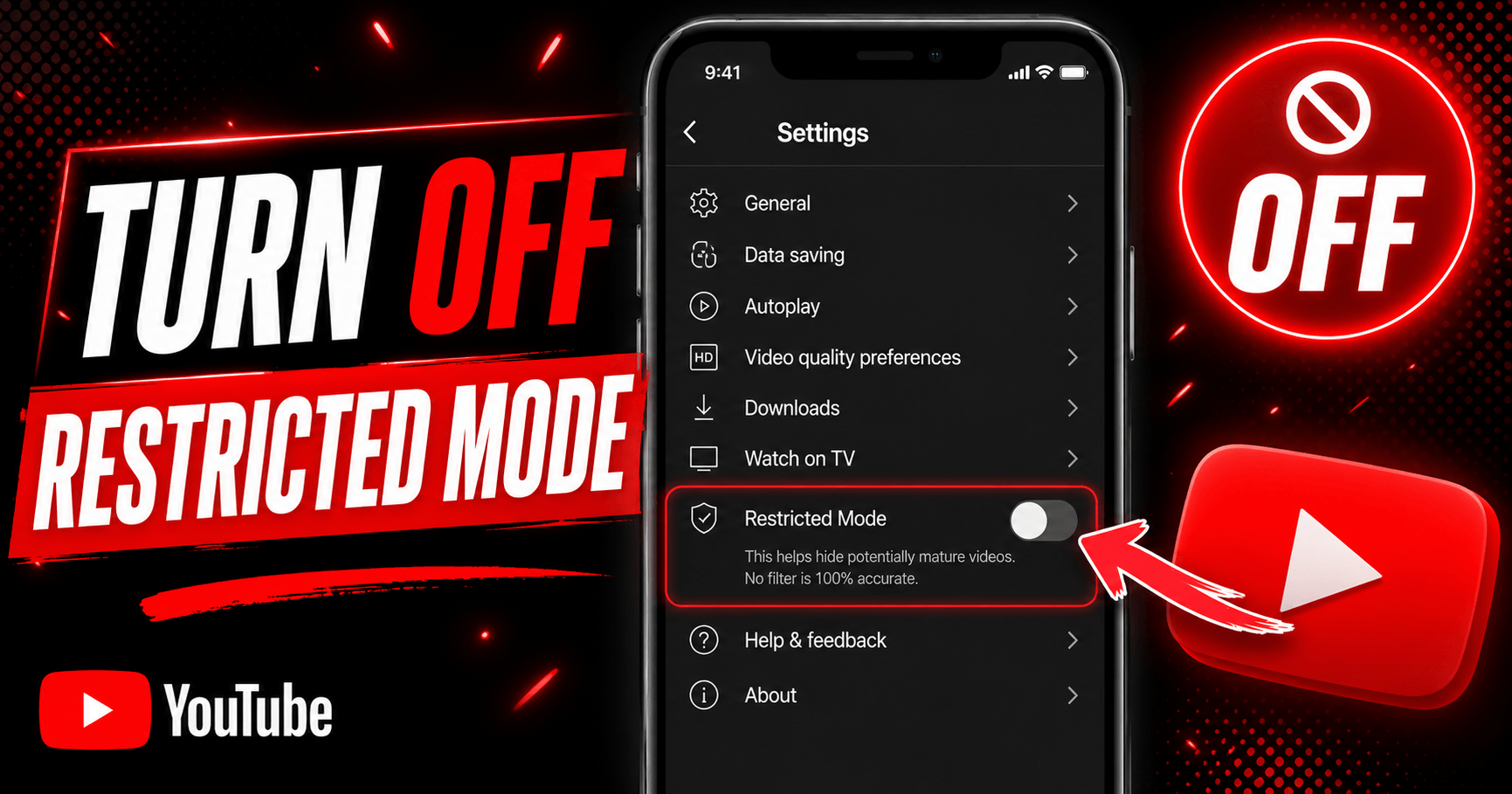
To turn off Restricted Mode on YouTube, tap your profile photo, open Restricted Mode (or Settings > General on...
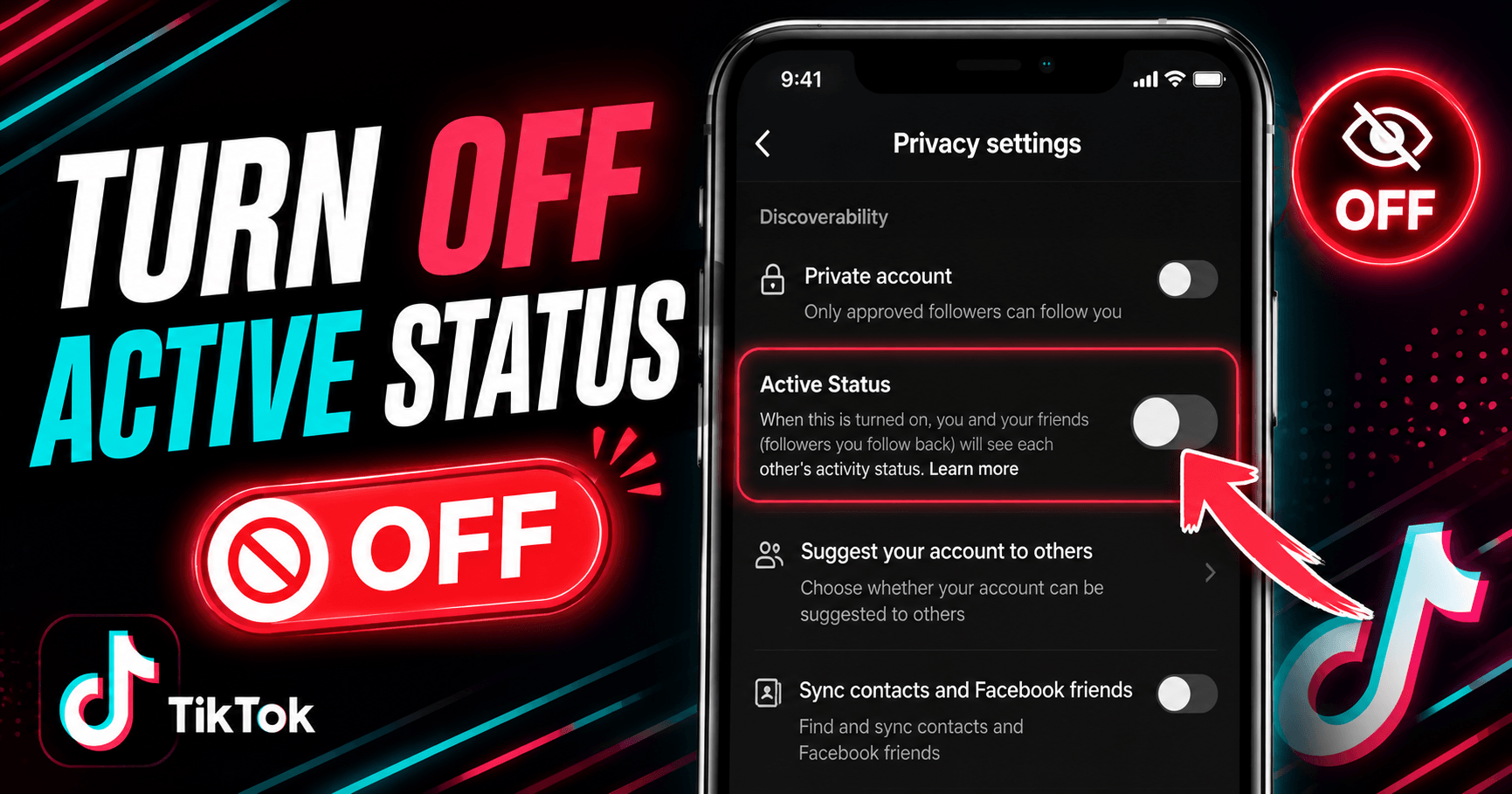
Go to your TikTok profile, tap the menu icon (☰), then go to Settings and Privacy → Privacy → Active Status an...
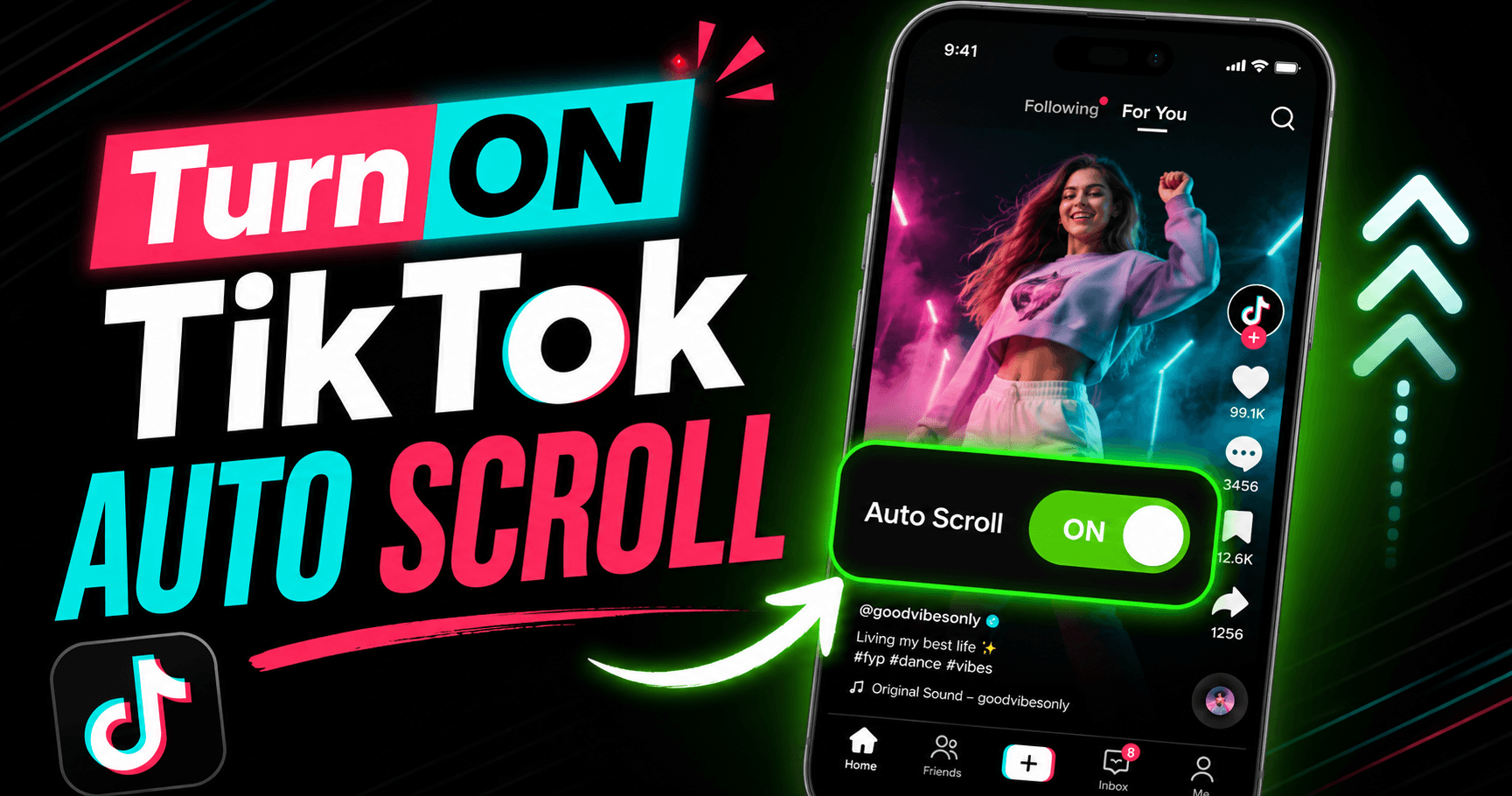
Auto scroll on TikTok moves you to the next video automatically once the current one finishes, so you don’t ha...
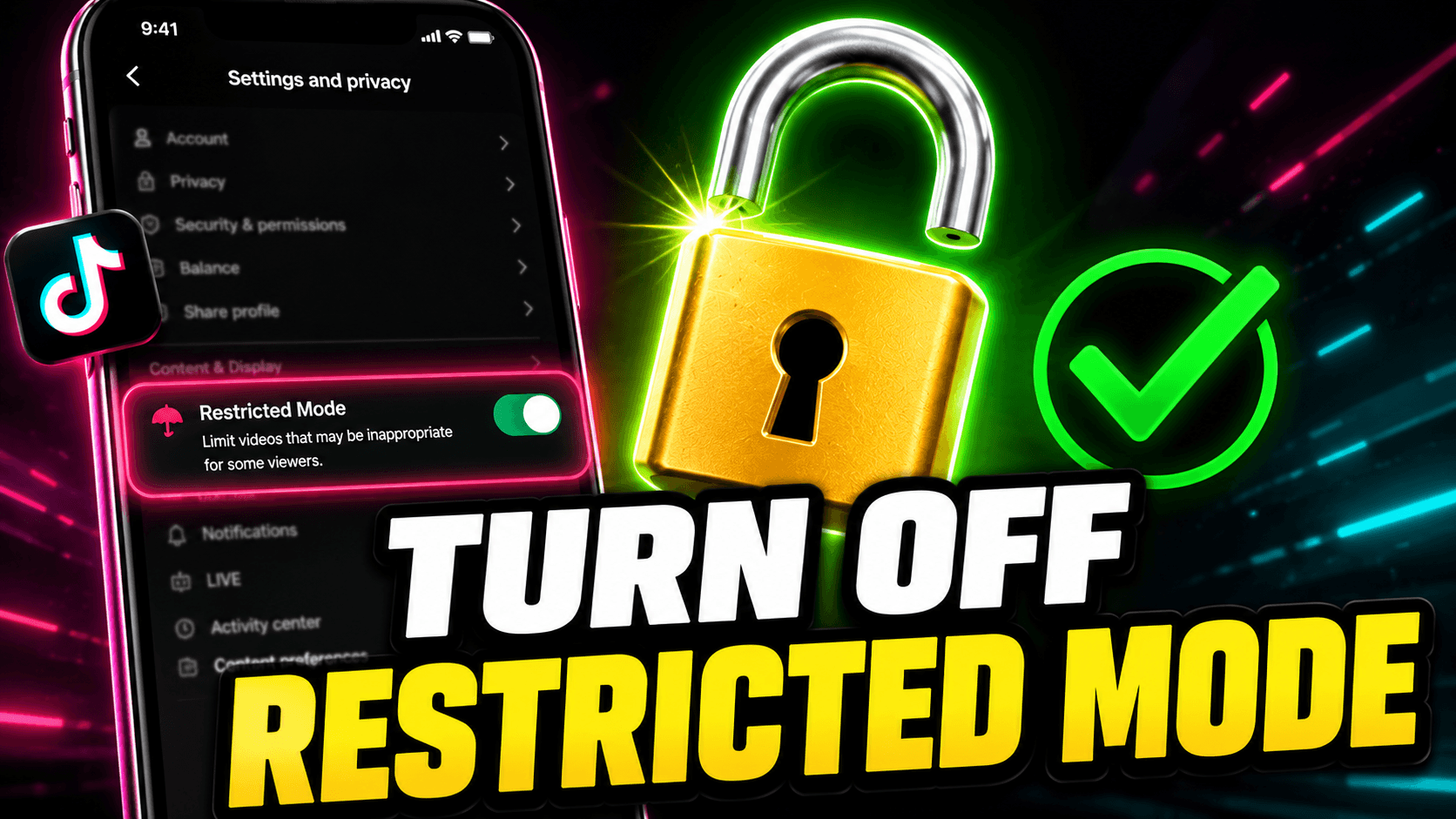
Go to your TikTok profile, tap the menu icon (☰), open Settings and Privacy → Content Preferences → Restricted...
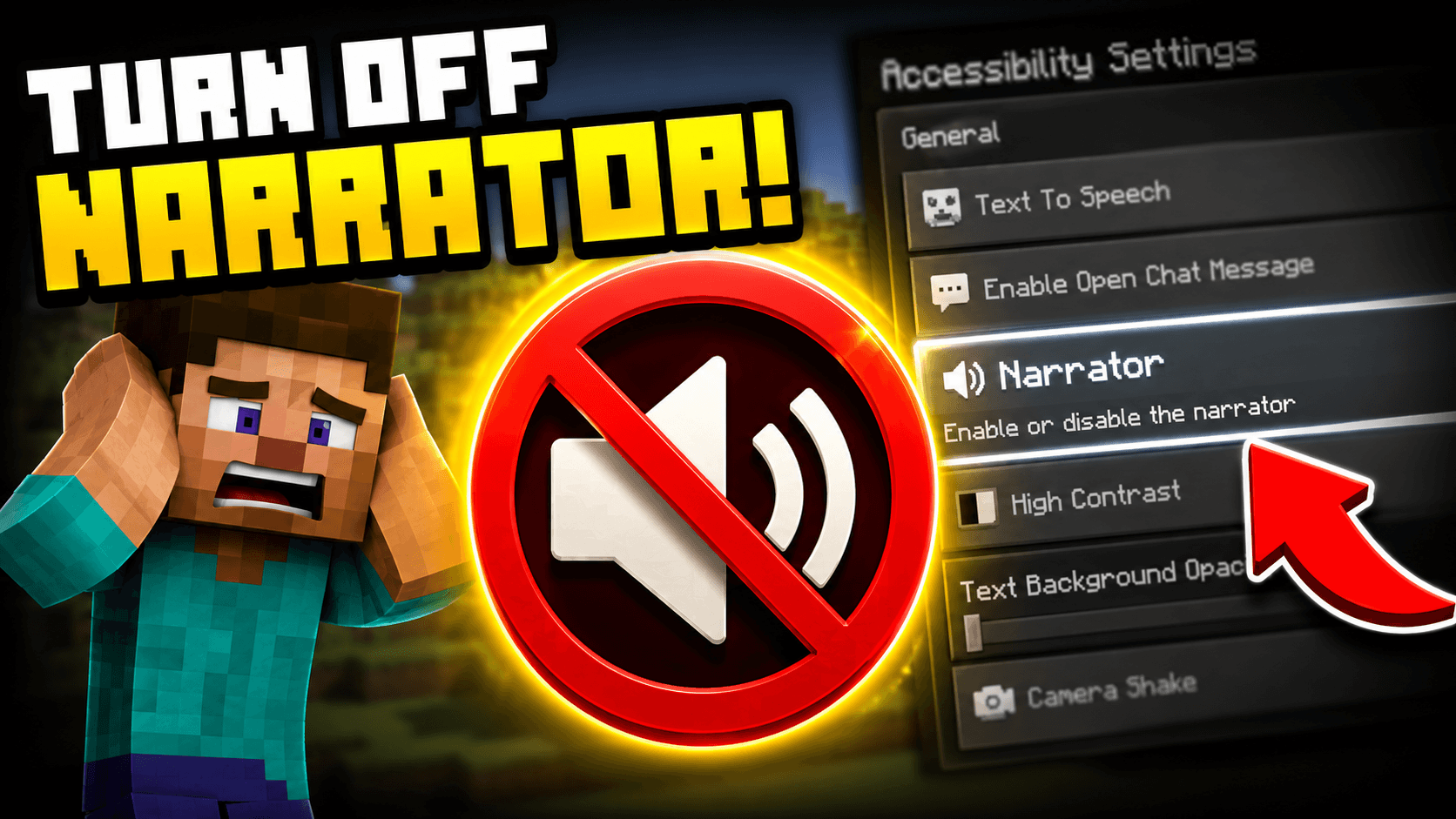
Press Ctrl + B on PC to toggle the Minecraft narrator off immediately. If you are on console, go to Settings, ...
Have a suggestion for a new platform, found a bug, or just want to say hello? We'd love to hear from you.
[email protected]