How to Enable Trusted Friends on Roblox
To add someone as a Trusted Friend on Roblox, you first need to have completed an age check on your account, a...
Create unique, sweaty, and aesthetic usernames for Fortnite, Minecraft, Steam, and more using AI.
Enter a keyword to let the AI generate unique names.
We built this checker to be fast, ad-free, and privacy-focused. If it helped you secure your perfect username, please consider chipping in to cover our API costs.
AI-generated "sweaty" names used by pros, including clan tags and unique character combinations.
Classic, clean, and compound word names perfect for the OG Minecraft aesthetic.
Professional aliases suitable for CS2 and competitive gaming profiles.
Choose a word that represents you. It could be your nickname, a favorite animal (e.g., "Wolf"), or an adjective (e.g., "Silent").
Select "Fortnite" if you want something aggressive and short. Select "Aesthetic" for chill, lower-case vibes.
Once you find a generated name you like, click the Magnifying Glass to see if it's free on social media.
Check if Tiktok username is taken.
Check NameVerify rare & OG Roblox names.
Check NameFind rare and OG Roblox username ideas.
Generate NamesVerify handle availability.
Check AvailabilityFind rare & OG gamertags.
Check MinecraftValidate Twitch usernames.
Check TwitchTips and guides on social media management.
To add someone as a Trusted Friend on Roblox, you first need to have completed an age check on your account, a...
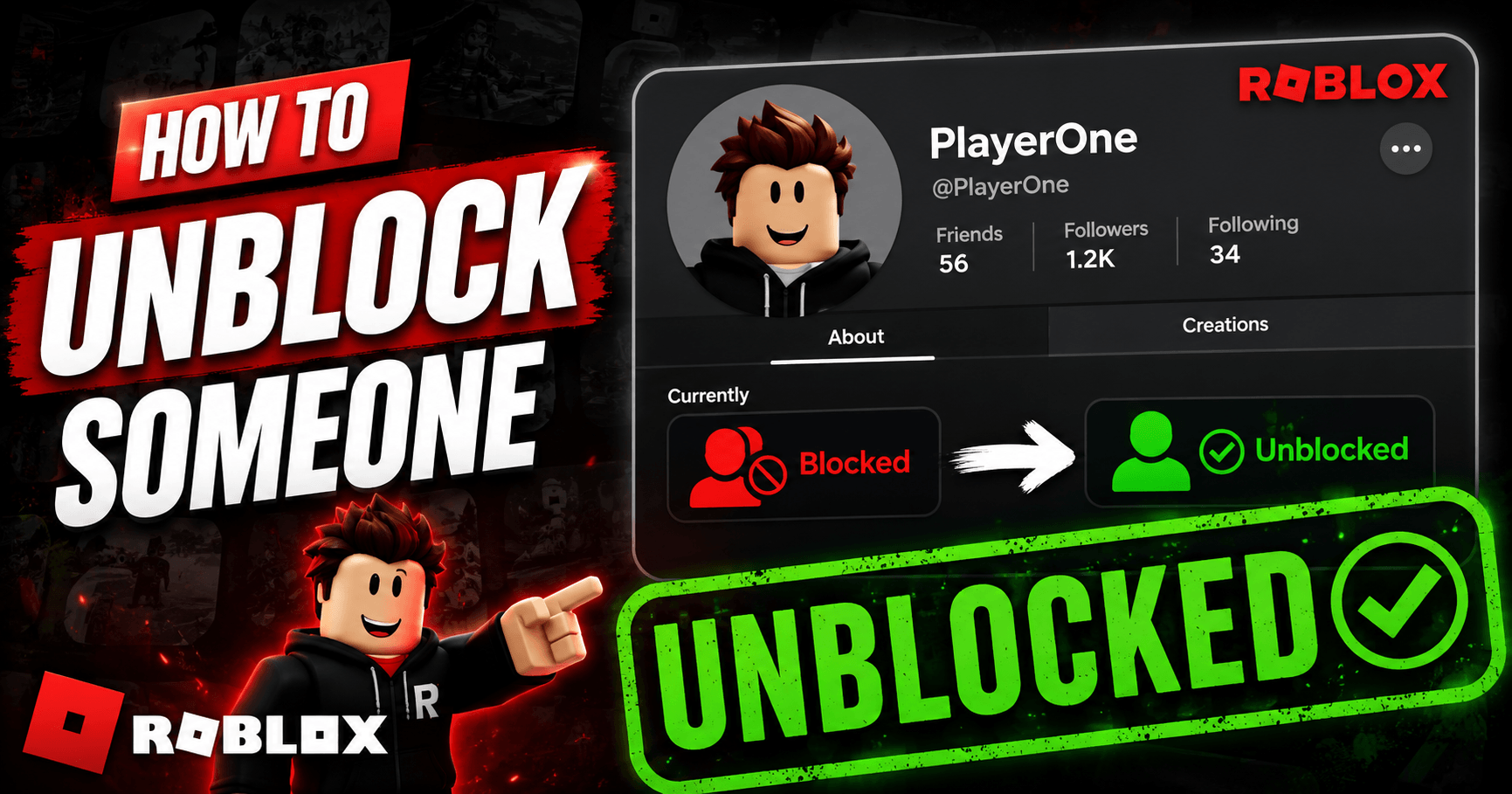
To unblock someone on Roblox, go to Settings, open the Privacy tab, find their name under Blocked Users, and t...
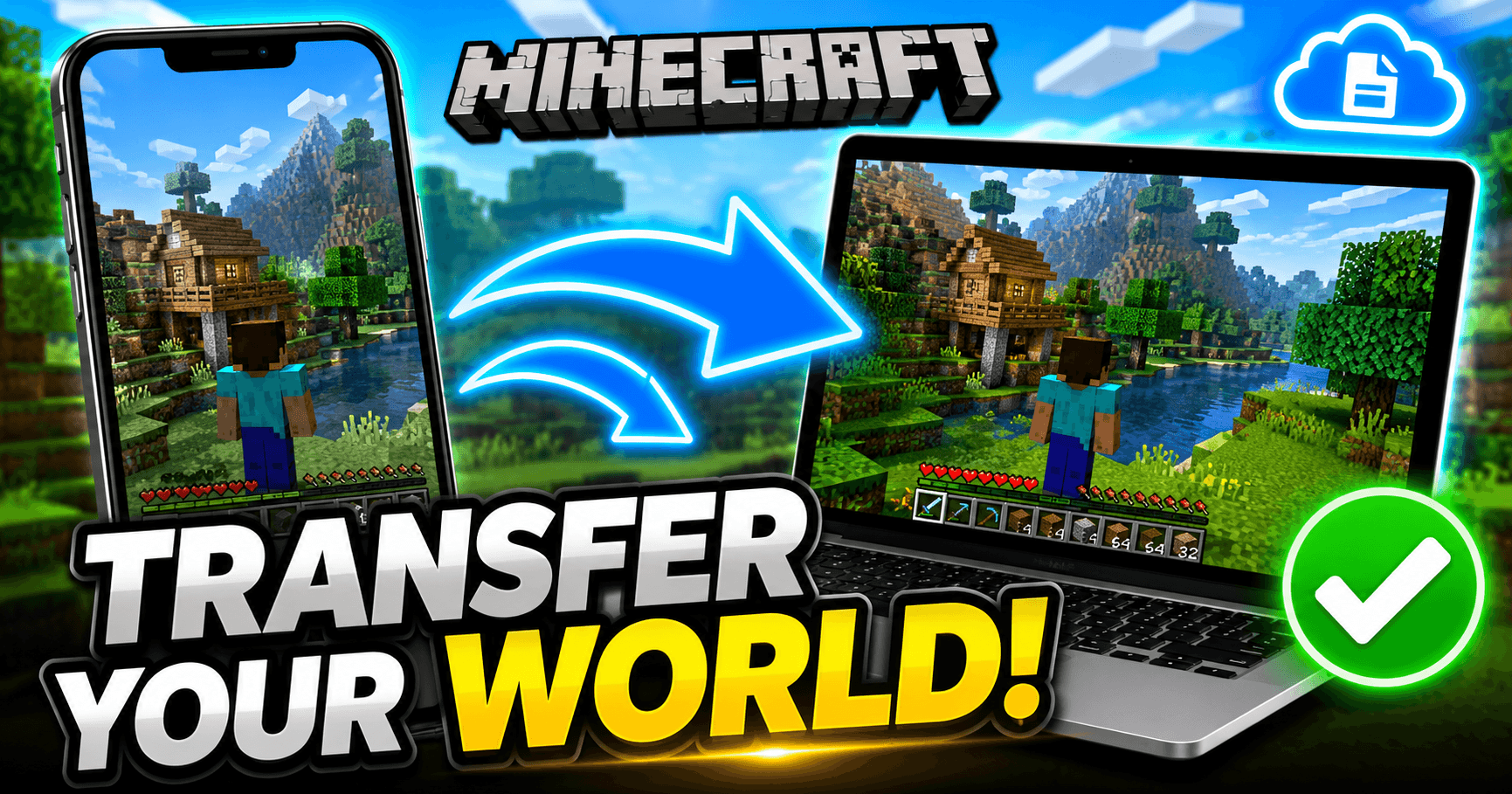
Minecraft doesn’t back your worlds up to the cloud automatically, so moving one to a new device means moving t...
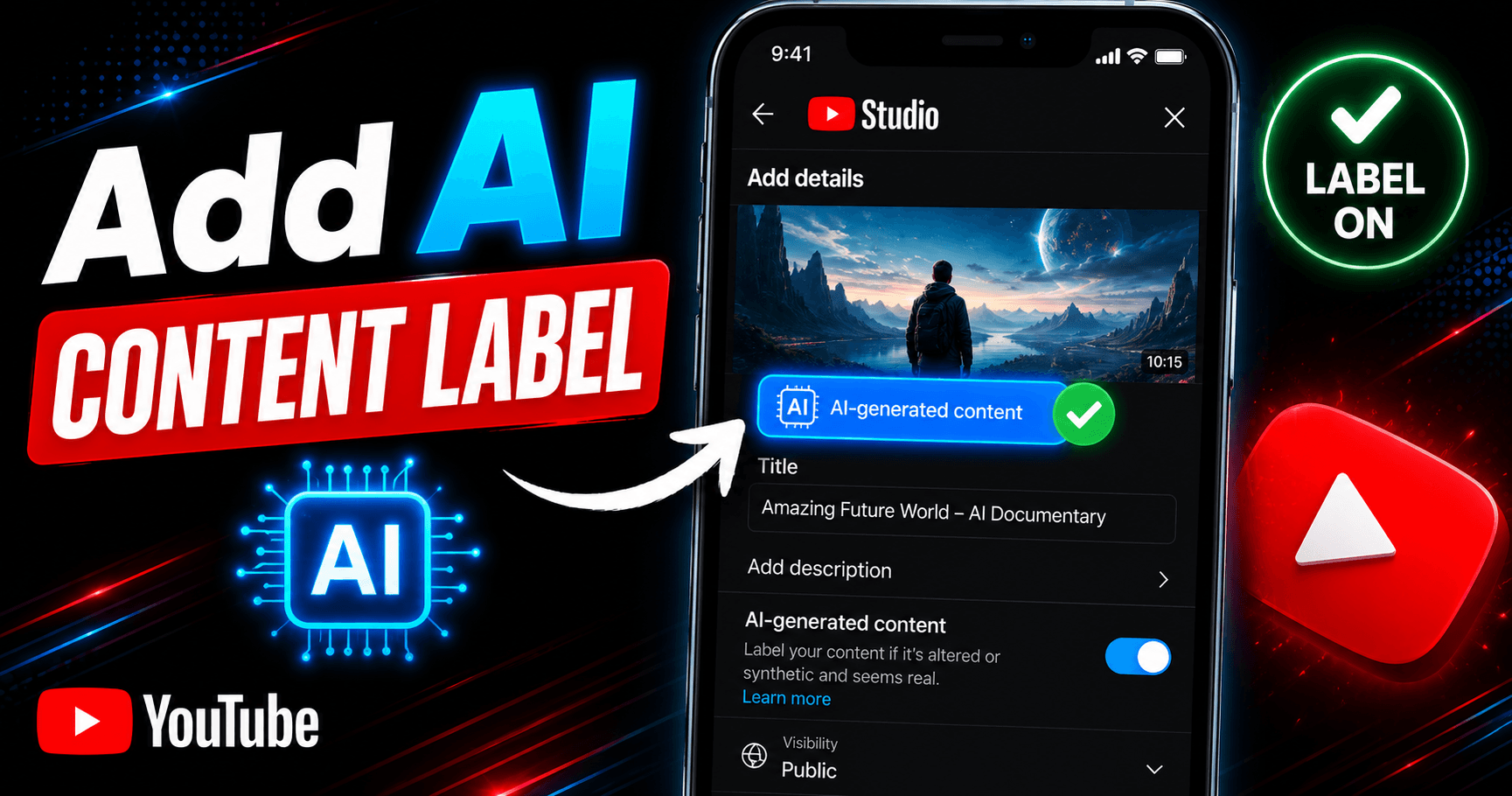
You add an AI content label in YouTube Studio by toggling “Yes” under AI use in the Attributes section during ...
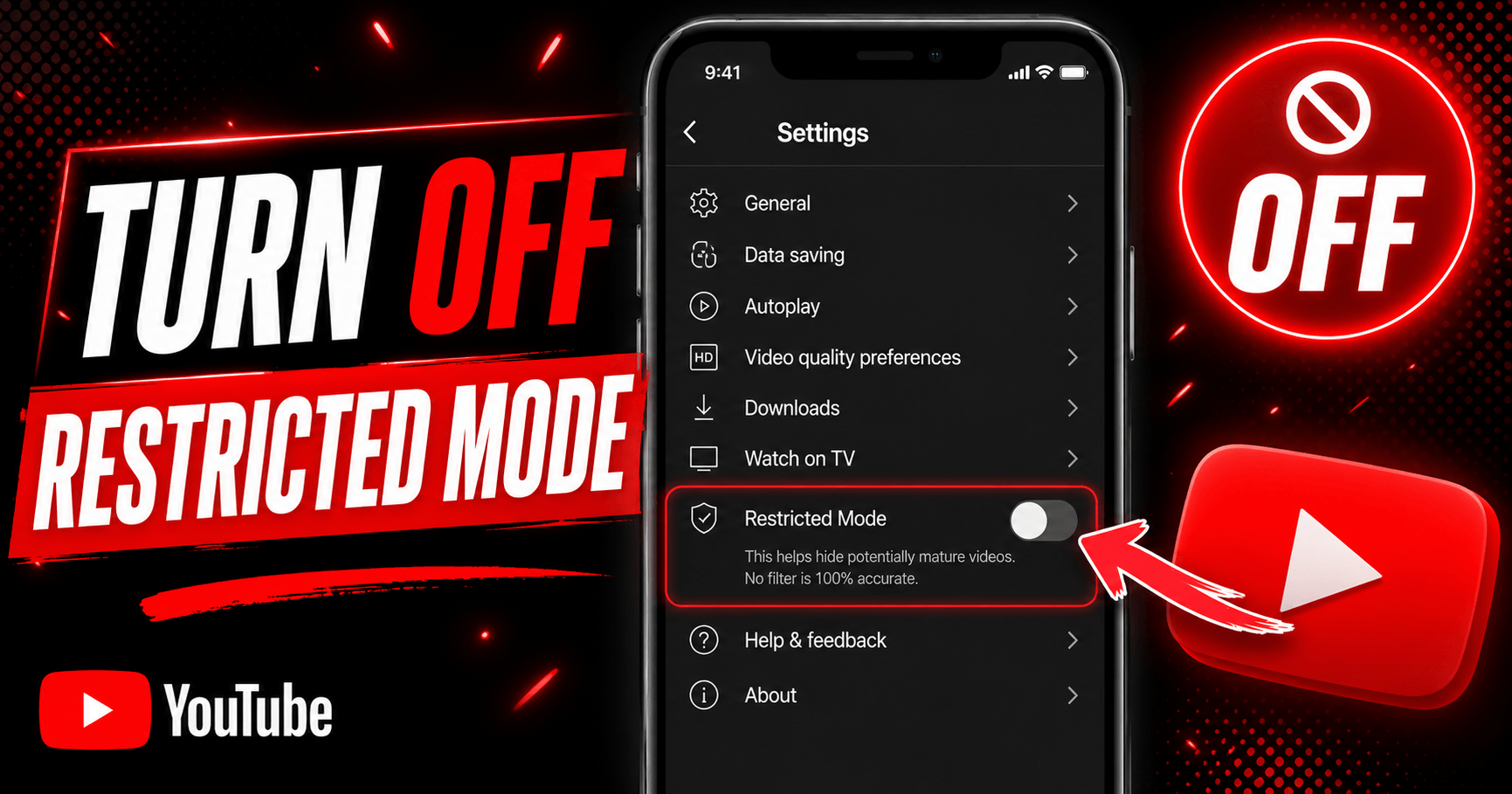
To turn off Restricted Mode on YouTube, tap your profile photo, open Restricted Mode (or Settings > General on...
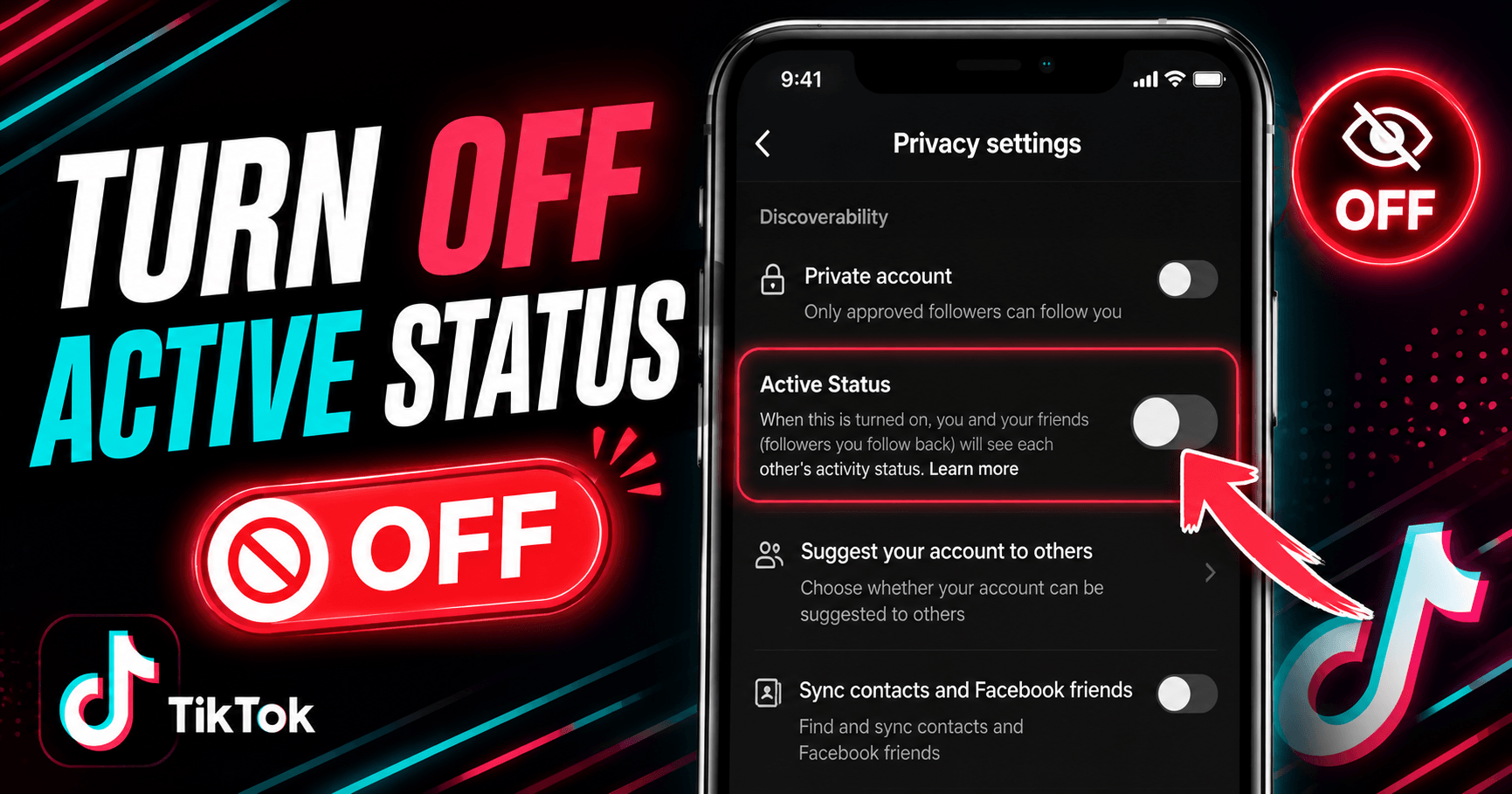
Go to your TikTok profile, tap the menu icon (☰), then go to Settings and Privacy → Privacy → Active Status an...
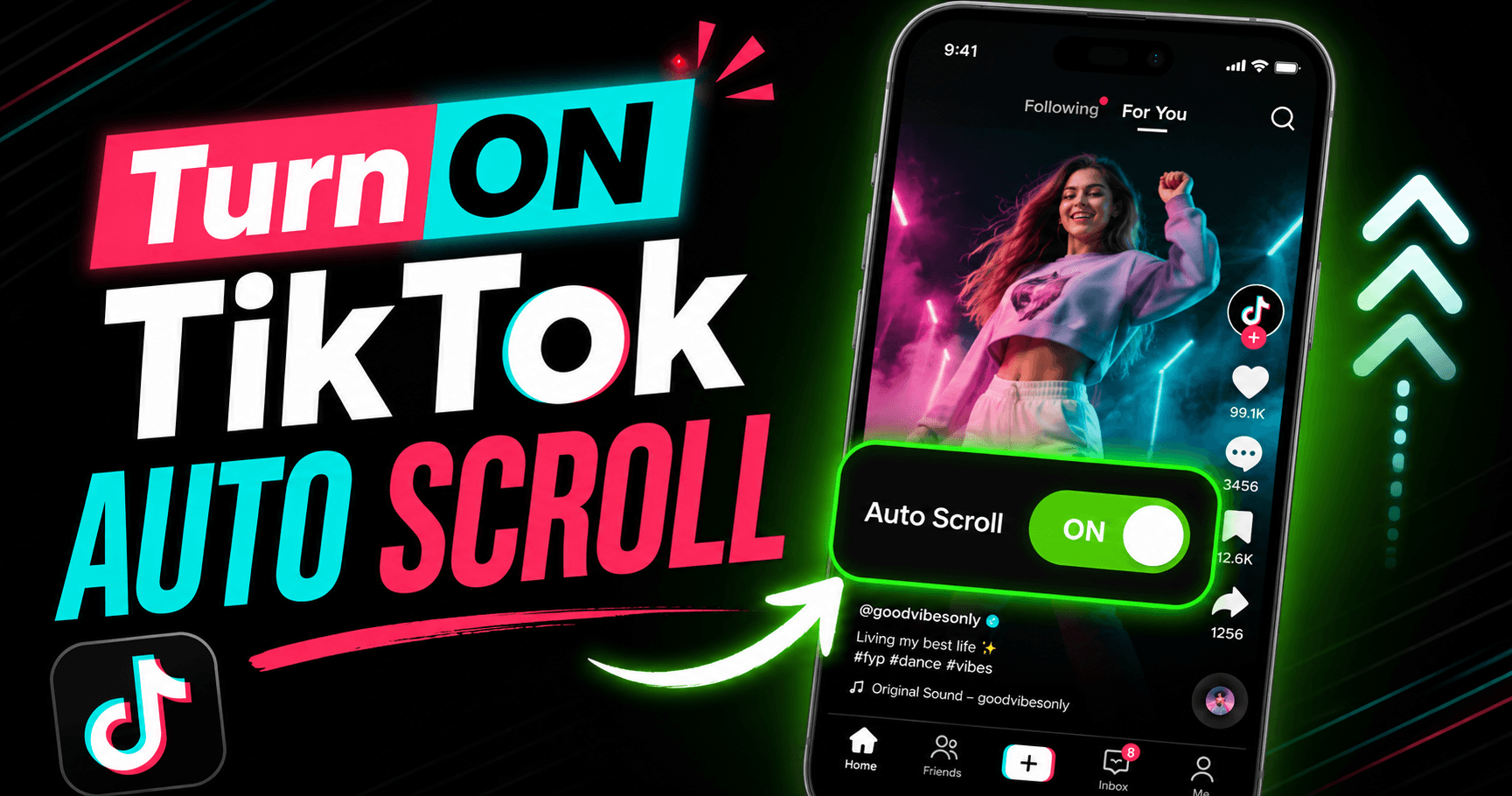
Auto scroll on TikTok moves you to the next video automatically once the current one finishes, so you don’t ha...
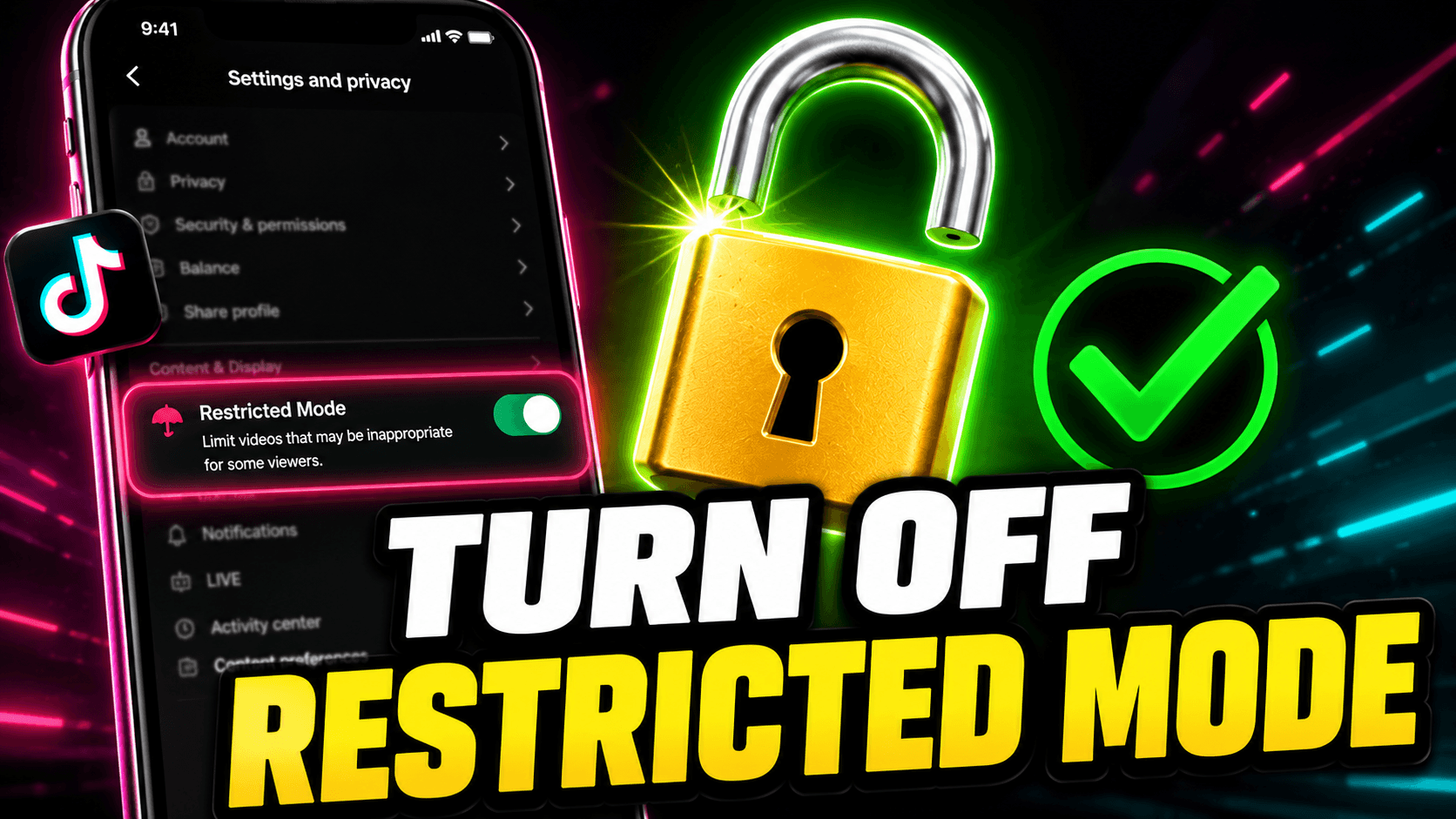
Go to your TikTok profile, tap the menu icon (☰), open Settings and Privacy → Content Preferences → Restricted...
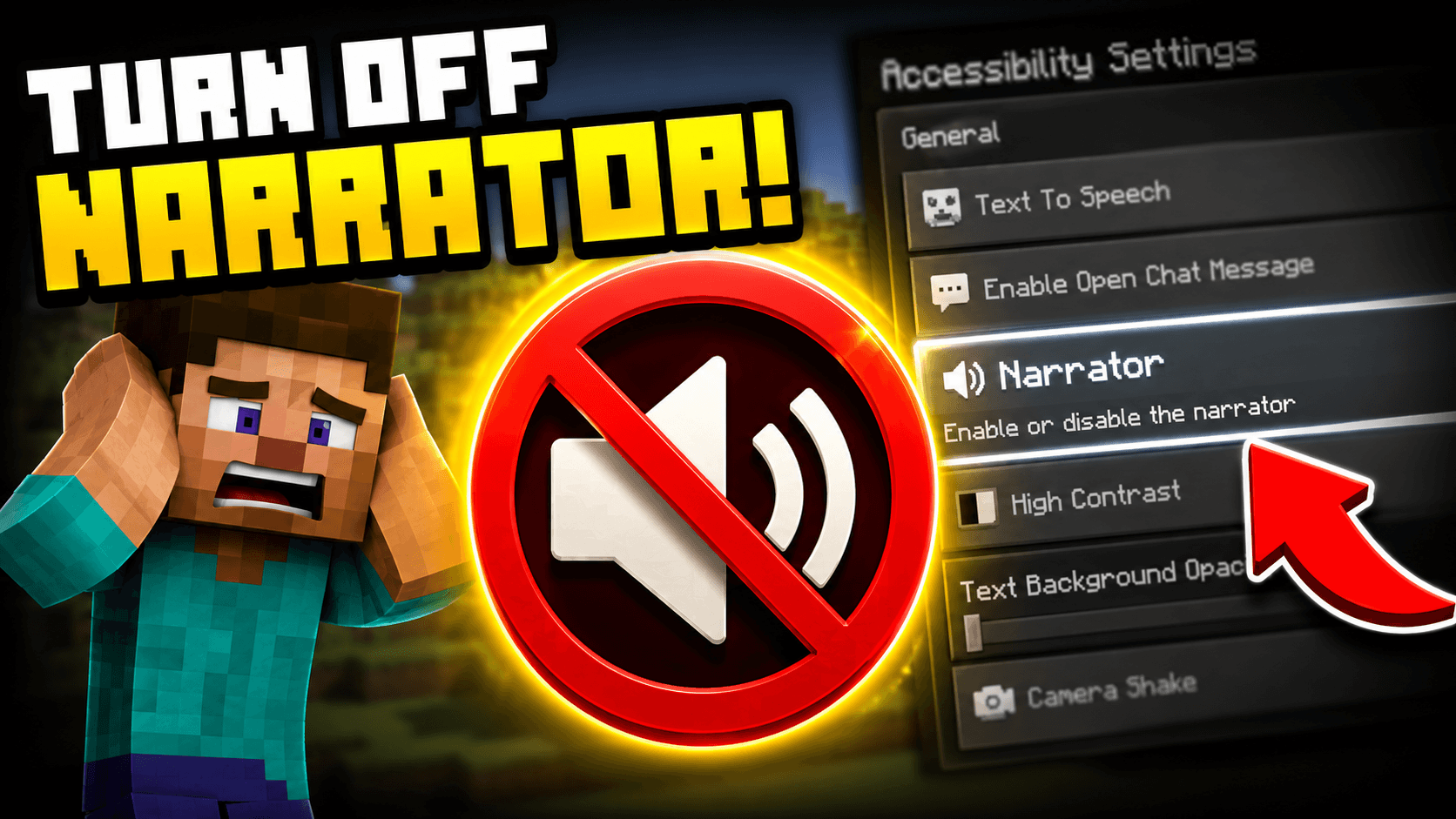
Press Ctrl + B on PC to toggle the Minecraft narrator off immediately. If you are on console, go to Settings, ...
Have a suggestion for a new platform, found a bug, or just want to say hello? We'd love to hear from you.
[email protected]