How to Turn Off Active Status on TikTok (iPhone & Android)
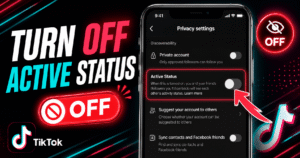
Go to your TikTok profile, tap the menu icon (☰), then go to Settings and Privacy → Privacy → Active Status and toggle it off. That’s the whole process, and it takes less than 30

Auto scroll on TikTok moves you to the next video automatically once the current one finishes, so you don’t have to swipe. To turn it on, press and hold anywhere on a video in your
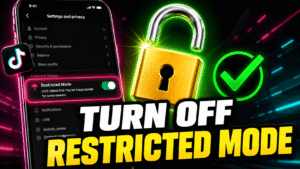
Go to your TikTok profile, tap the menu icon (☰), open Settings and Privacy → Content Preferences → Restricted Mode, and toggle it off. If it’s protected by a passcode, you’ll need to enter that
TikTok throws the message “account not found” when you try to visit a profile that TikTok can’t show. This message appears for a few reasons, and each reason points to a different action the user
You are reading this guide to learn how to block a user on TikTok, so I will get straight to it and provide the solutions you need. I will provide clear instructions, bullet points, and
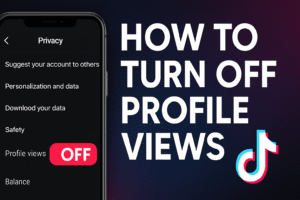
If you are wondering how to turn off profile views on TikTok, here is what you need to know and how to do it. What Is TikTok Profile View History? TikTok’s Profile View History is
Knowing how to change name on TikTok is something every content creator and business owner needs to know. Your profile name is the first thing users sees when they come across your profile. Whether you