How to Add an AI Content Label on YouTube
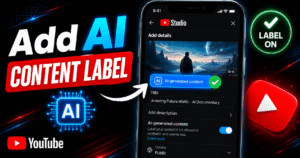
You add an AI content label in YouTube Studio by toggling “Yes” under AI use in the Attributes section during upload or by editing an existing video’s details and doing the same. Once you select
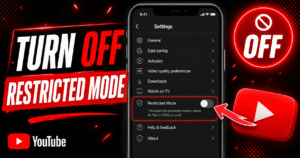
To turn off Restricted Mode on YouTube, tap your profile photo, open Restricted Mode (or Settings > General on mobile), and switch the toggle off. You’ll need to do this separately on every browser, app,
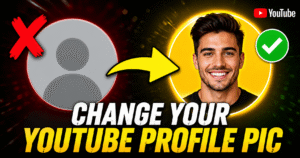
Changing your profile picture on YouTube is straightforward, but the process trips up a lot of people because it is tied to your Google account, not YouTube itself. When you change your profile picture on
Picking the best name for a YouTube channel is one of the first real decisions you make as a creator, and it matters more than most people think. Your channel name is the first thing
If you want to delete a YouTube channel, the process takes less than five minutes, but the decision is permanent. Once you delete it, your videos, comments, playlists, subscribers, and analytics disappear for good. There
Your YouTube channel name is kind of like your identity and should make you stand out. If you want your brand to be clear and easy to find, you need to know how to check
In this guide, you will learn how to change your YouTube channel name on desktop and mobile. This article also explains what happens after you make the change, and tips on mistakes to avoid when