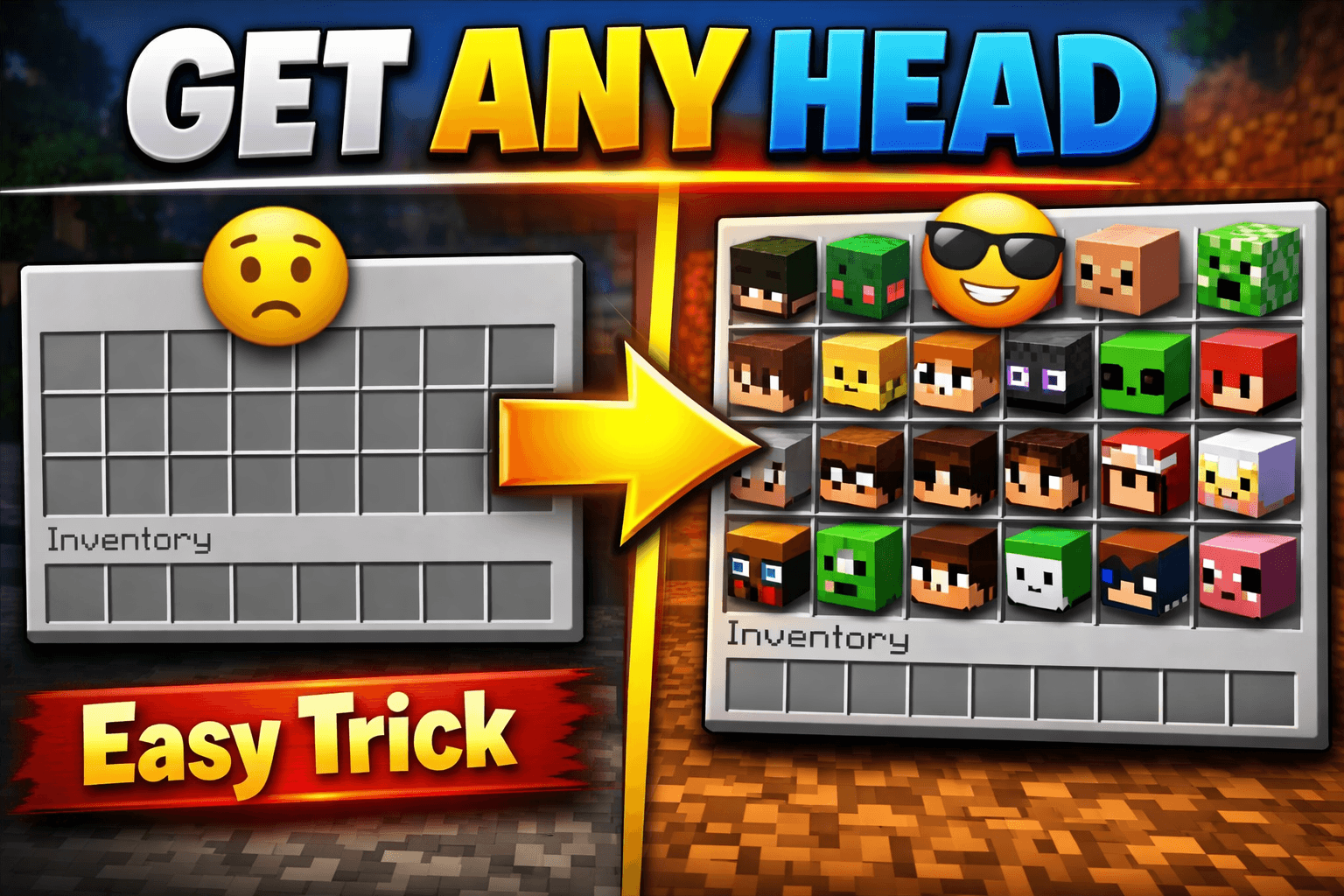
If you want to know how to get player heads in Minecraft, the fastest method is using the /give command. Type /give @s minecraft:player_head{SkullOwner:"PlayerName"} in Java Edition and you will have any player’s head in seconds. No mods. No installs. Just a command.
But that is not the only way to do it. Depending on your game mode, edition, and server setup, you have multiple options. This guide covers all of them, commands, mob drops, plugins, and more, so you can pick what works for your setup.
Player heads are one of the most flexible decoration items in Minecraft. Builders use them for custom statues, custom NPCs, realistic builds, and heads-up display setups. Once you know how to get them, they open up a lot of creative options.
How to Get Player Heads in Minecraft Using Commands
This is the go-to method for most players. You need cheats enabled or operator permissions on a server.
Java Edition Command
/give @s minecraft:player_head{SkullOwner:"PlayerName"}Replace PlayerName with the exact Minecraft username of the player whose head you want. The username is case-sensitive.
Steps:
- Open chat with
Tor/ - Type the command above with the correct username
- Press Enter
- The head appears in your inventory
You can also use a UUID instead of a username for more reliable results, especially for offline-mode servers:
/give @s minecraft:player_head{SkullOwner:{Id:"UUID-here",Name:"PlayerName"}}Bedrock Edition Command
Bedrock Edition handles player heads differently. The native command support is more limited, but you can still get heads with:
/give @s skull 1 3This gives you a Steve head (default skin), not a specific player’s head. To get custom player heads in Bedrock, you typically need a marketplace add-on or a third-party tool.
How to Get Your Own Head in Minecraft
To get your own head specifically, use @s as the target in a command or just type your own username:
Java Edition:
/give @s minecraft:player_head{SkullOwner:"YourUsername"}You can also use this in a command block to give every player their own head automatically.
How to Get Player Heads Without Commands
Not on a server with cheats? There are still ways to get player heads in Minecraft without using commands.
Method 1: Charged Creeper Kill
This is the only survival-mode method to get a player head without commands.
Here’s how it works:
- Get a creeper struck by lightning — this turns it into a Charged Creeper
- Have a player (or mob) stand near the Charged Creeper when it explodes
- The Charged Creeper kills the player → the player’s head drops as an item
Important notes:
- This only works for mob heads (skeleton, zombie, creeper, wither skeleton). As of recent Java versions, it doesn’t reliably drop actual custom player heads in vanilla survival.
- You need lightning to strike a creeper naturally or use a trident with the Channeling enchantment during a thunderstorm.
Method 2: Server Plugins (Java Servers)
If you’re on a Java server, plugins like PlayerHeads or SkinsRestorer let players drop their own head on death or trade heads between players.
Popular plugins:
- PlayerHeads — drops a player’s head on death (configurable drop rate)
- HeadDatabase — massive library of pre-made decorative heads
- Essentials — some versions include head commands for operators
Ask your server admin to install one of these if you don’t have command access.
How to Use a Head Database in Minecraft
HeadDatabase is one of the most popular plugins for getting decorative heads in Minecraft. It gives you access to thousands of custom heads — animals, food, blocks, letters, players, and more.
How to use it:
- Your server needs the HeadDatabase plugin installed
- Type
/hdbor/headdbin chat to open the GUI - Browse or search for the head you want
- Click it to add it to your inventory
HeadDatabase heads work by using custom player skins stored on Mojang’s servers. Each “head” is actually a player head item with a specific skin applied — no mods required on your end.
How to Get Any Mob Head in Minecraft
While this guide focuses on player heads, you might also want mob heads for builds. Here’s a quick reference:
| Head Type | How to Get |
|---|---|
| Skeleton Skull | Charged Creeper explosion |
| Wither Skeleton Skull | Rare drop from Wither Skeletons (2.5% chance) |
| Zombie Head | Charged Creeper explosion |
| Creeper Head | Charged Creeper explosion |
| Dragon Head | End Ship (loot) |
| Player Head | /give command or Charged Creeper (limited) |
| Piglin Head | Charged Creeper explosion (added in 1.20) |
How to Place and Use Player Heads in Minecraft
Once you have a player head, placement is straightforward.
- Right-click any solid surface to place the head
- Heads can go on top of blocks, on walls, or even on the floor
- You can wear a player head as a helmet (equip it in the helmet slot)
- Heads rotate to face the direction you placed them
Uses for player heads in builds:
- Custom NPC statues
- Trophy displays
- Map art and pixel art
- Decorative signs and shop fronts
- Halloween and horror-themed builds
How to Get Player Heads on Servers
On multiplayer servers, how you get player heads depends on the server type.
Vanilla servers with ops:
- Operators can use
/givecommands directly - You need to be whitelisted and have OP permissions
Survival servers with plugins:
- Use
/skull PlayerNameif the server has a skull plugin - Some servers let you buy heads from in-game shops
- Death-drop plugins let you collect heads from PvP kills
Creative servers:
- Full command access is usually available
- You can use the item search in inventory (press
E, search “head”)
Minigame servers:
- Many award player heads as trophies or collectibles automatically
How to Get Player Heads in Minecraft Bedrock Edition
Bedrock Edition doesn’t support custom player heads the same way Java does. Here’s what you can actually do:
- Use
/give @s skull 1 3for a default head - Use Marketplace add-ons that add custom head blocks
- Use third-party tools like head generators that create function files for Bedrock worlds
Bedrock players who want full head functionality typically switch to Java Edition or use a Bedrock-to-Java crossplay server.
Player Head Generators: Get Any Skin as a Head
Several websites generate the exact /give command for any Minecraft skin. You paste the command into your game and you’re done.
Popular head generator sites:
- minecraft-heads.com — large database, generates commands automatically
- socialusernamechecker.com — look up any player, check name availability and UUID.
How to use a head generator:
- Go to minecraft-heads.com
- Search for a player username or browse categories
- Click the head you want
- Copy the
/givecommand shown on the page - Paste it into Minecraft chat and press Enter
This method works for custom heads with unique textures, not just default player skins.
FAQs
Can you get player heads in Minecraft survival mode?
Yes, but it’s limited. The only vanilla survival method is using a Charged Creeper explosion near a player. For full control over which heads you get, you need cheats or a server plugin.
Do player heads show the player’s actual skin?
Yes. In Java Edition, player heads display the current skin linked to that Minecraft account. If the player changes their skin, the head updates too.
Can you get player heads on Bedrock Edition?
You can get generic skull items, but Bedrock doesn’t support custom player-skin heads natively the way Java does. You’d need add-ons or third-party tools.
What happens if you type a username that doesn’t exist?
The command still works, but the head will display a default Steve or Alex skin instead of a real player skin.
Can you get your own head in Minecraft?
Yes. Use /give @s minecraft:player_head{SkullOwner:"YourUsername"} and it appears in your inventory with your current skin.
Do player heads work in Minecraft multiplayer?
Yes. You can place, trade, and display player heads on multiplayer servers. The head shows the skin of whichever player it belongs to.
Is there a limit to how many player heads you can have?
No limit. You can collect as many as you want and store them in chests or item frames.
Conclusion
Getting player heads in Minecraft is straightforward once you know which method fits your setup. Use the /give command on Java Edition for instant results, use a Charged Creeper in survival for a challenge, or install a plugin on your server for ongoing head collection.
If you’re on Bedrock, your options are limited without add-ons, but Java Edition gives you full flexibility. Head generator websites like minecraft-heads.com make it even easier to grab any skin you want without typing long commands manually.
Pick the method that fits your playstyle and start building.
 Share this post