
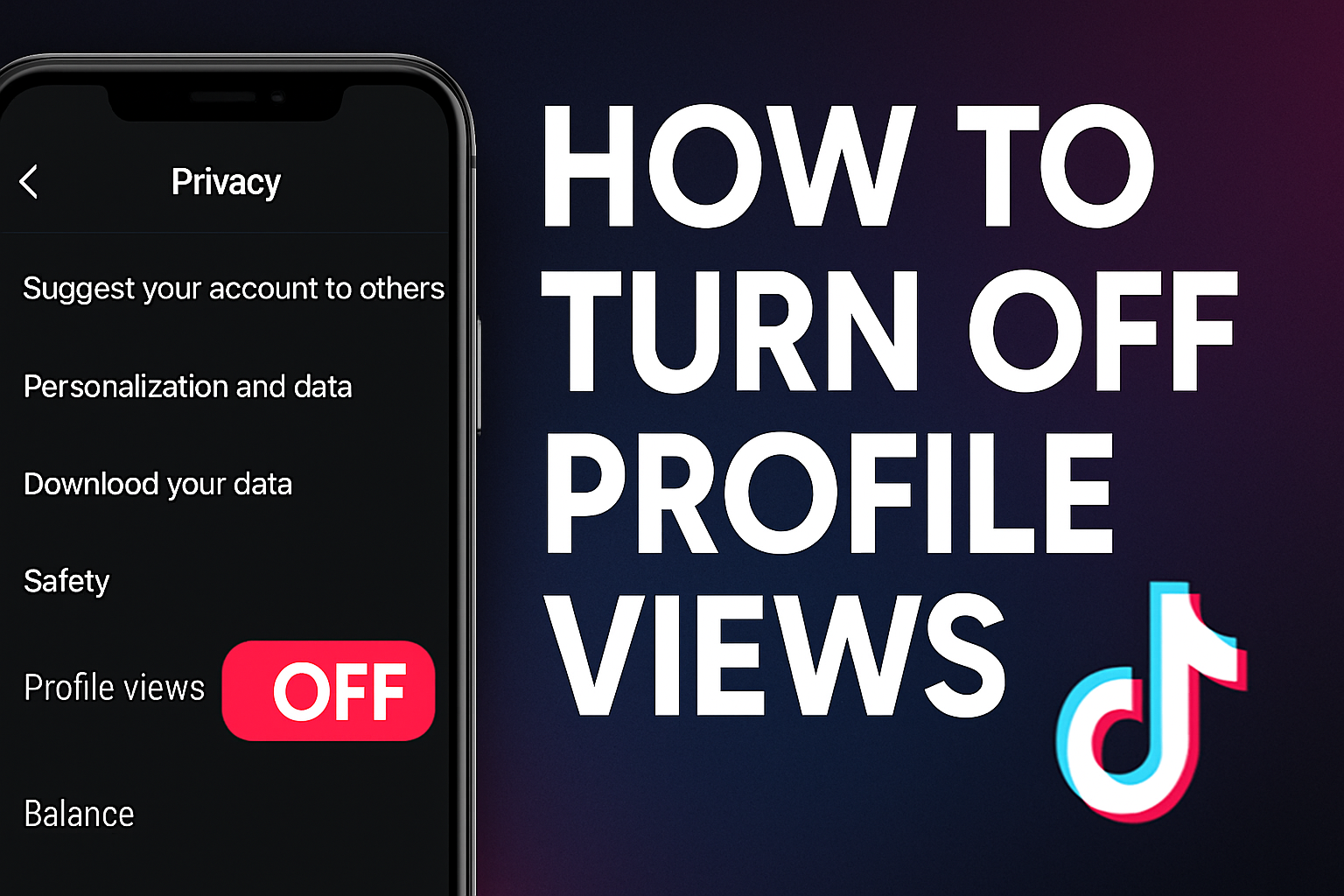
If you are wondering how to turn off profile views on TikTok, here is what you need to know and how to do it.
What Is TikTok Profile View History?
TikTok’s Profile View History is a feature that lets you see who visited your profile in the last 30 days, but only if both you and the other person have the setting turned on.
- When it is on, others can also see when you have visited their profile (if they have it enabled).
- According to TikTok, this feature is off by default.
- Also, there are age and follower limits:
- To use this feature, you must be at least 16 years old and have fewer than 5,000 followers.
Why Turn It Off?
Turning off profile views gives you more privacy:
- Others won’t see when you visit their profiles.
- You won’t see who visits you anymore.
- Past view history is cleared or no longer accessible once you disable it.
- There is no notification to other users when you toggle your setting.
How to Turn Off Profile Views on TikTok (Step by Step)
Here is a simple, direct walkthrough:
Method 1: From Settings
1. Open the TikTok app and tap your Profile (bottom-right).
2. Tap the menu icon (☰) in the top-right.
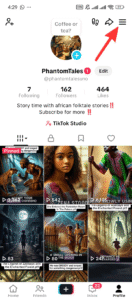
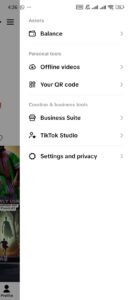
3. Select Settings and Privacy.
4. Tap Privacy.
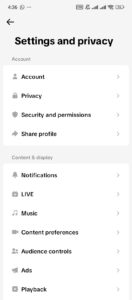
5. Find Profile Views (footprint icon) and tap it.
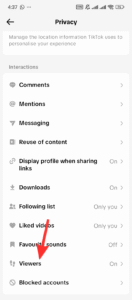
6. Toggle Profile view history off.

Method 2: From the Profile Views Page
If you have recently seen someone viewed your profile (via the “Profile Views” notification):
1. Tap Inbox in TikTok.
2. Navigate to the “Profile Views” notification.
3. Open it → tap the Settings button (gear icon).
4. Toggle off Profile view history.
What Exactly Happens When You Turn It Off
Here is a breakdown of changes after disabling profile view history:
| Change | Effect |
|---|---|
| You disable feature | You won’t see who visited your profile anymore. |
| Others’ visibility | Other users won’t see your name when you view their profile. |
| Past history | Previous viewers may disappear or be inaccessible once you turn it off. |
| No notifications sent | TikTok doesn’t notify others when you toggle this off or on. |
Important Things to Know / Limitations
- Only for accounts with < 5,000 followers and users aged ≥ 16.
- TikTok only shows profile views for the last 30 days.
- If you turn off and then on again, you do not get back the old history.
- You might not see the option if your TikTok app is outdated or if the feature is not rolled out to you yet.
- You cannot choose to hide from only certain people. It is either off or on.
Frequently Asked Questions (FAQs)
Will turning off profile views affect my content reach or the For You Page (FYP)?
No. The profile view history feature is about visibility, not algorithmic reach.
Can you turn on and turn off profile views?
Yes. You can turn on and turn off profile views when you like. But note: each time you turn it off, your old visitor history is lost.
Conclusion
Turning off profile views on TikTok is a simple but effective way to increase your privacy. By disabling Profile view history, you stop others from seeing when you visit their profile and you give up seeing who visited yours.
This setting is accessible if you are 16+ and have fewer than 5,000 followers. Use the two methods above (via Settings or Profile Views page) to toggle it off.
If privacy matters more than tracking profile visitors, switching it off is a smart move.
If you ever change your mind, you can just turn it back on, but keep in mind, your past view history won’t return.
Source
 Share this post