
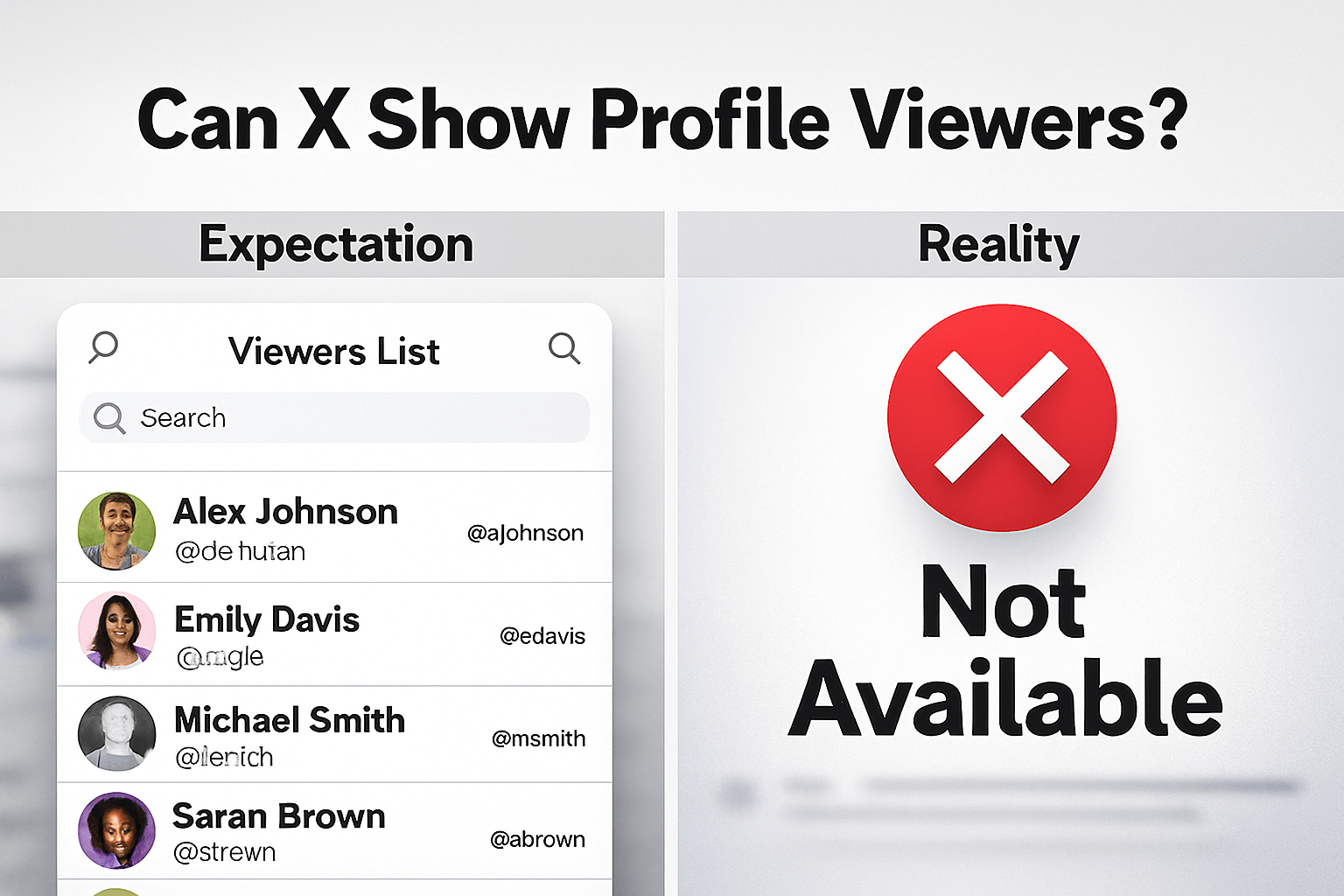
Profile views have become popular on social media platforms, and it is common to know if this feature is available on X (formerly Twitter). The quick answer is no. X (formerly Twitter) does not let you see a list of specific accounts that visit your profile.
Twitter has never had this feature. Privacy policies on the platform keep this data hidden. You can see how many people looked, but not who they are.
This article breaks down exactly how this works. You will learn why you cannot see names, what the “profile visits” number means, and why you should ignore any app that claims it can reveal your profile views.
The Reality of Profile Privacy on X
Social media platforms handle privacy differently. LinkedIn tells you exactly who looked at your page. Even Instagram shows a list of every user that viewed your Stories. X does not reveal any list of profile visitors.
When you visit a public profile on X, the account owner gets no notification. You do not appear on a list, and this makes you remain invisible. It is the same when you visit another profile, they have no idea you have read the bio, scrolled through your timeline, and looked at the media tab.
This privacy model makes it possible for open browsing, which means users feel freer to click and read when they know they are not being tracked by name.
Why X Hides This Information
User Privacy
X (formerly Twitter) wants users to browse through account profiles without the fear of being tracked.
Data Volume
To track the profile views for every X user requires large data resources to store millions of profiles.
Engagement Focus
X is more focused on public interactions (likes, replies) over passive lurking.
Does X Premium Let You See Who Viewed Your Profile?
You might think paying for X Premium (formerly Twitter Blue) unlocks this feature. It seems logical since premium should have every feature imaginable.
The answer is no, Premium gives you the blue checkmark, longer posts, and edit buttons. But X Premium does not allow you to see who viewed your profile.
Even if you pay for the highest tier, this data remains off-limits. The subscription offers better analytics, but those analytics remain aggregate. You get deeper charts and graphs, not a list of names.
Here is a quick breakdown of what Premium adds regarding data:
| Feature | Free Account | X Premium Account |
|---|---|---|
| See specific profile viewers | No | No |
| Profile visit count | Yes | Yes |
| Detailed engagement analytics | Basic | Advanced |
| Demographic data | Limited | Enhanced |
Do not buy Premium expecting to catch your stalkers. You will be disappointed.
The Truth About Third-Party “Viewer” Apps
You have probably seen apps, websites, or browser extensions that promise to show you exactly who viewed your profile. They often have names like “Twitter Stalker Check” or “See Who Viewed You.”
These platforms are almost always scams. This is because X does not provide this data through their API (the bridge that lets other apps talk to X). So if X does not share the data, these apps cannot get it.
The Risks of Using These Apps
Data Theft
These apps often ask for your login credentials to see stalkers. Giving them your password hands over control of your account.
Malware
Some require you to download software that infects your device. Which makes it easy for them to install malware on your device.
Spam
Many “viewer” apps automatically post spam links from your account, tagging your friends in fake lists to spread the scam.
Account Suspension
Using unauthorized third-party apps violates X’s Terms of Service. You could lose your account permanently.
If an app asks for your password to show you profile views, run. It is a trap.
The Grok AI “Hack”: Fact vs. Fiction
A recent trend involves asking Grok, X’s built-in AI, to list people who visit your profile. Users post prompts like, “Grok, roast the people who view my profile the most.”
Grok will sometimes generate a list of names. This confuses people since it looks real.
Here is what is actually happening:
Grok cannot access a secret database of profile views. What it does is look at public engagement and list people who reply to you, repost your content, or mention you frequently.
This is basically guesswork based on who interacts with you the most. Which means results are estimated based on user engagement on your profile, not silent profile clicks.
If someone visits your page 100 times a day but never likes a post, Grok has no idea they exist.
How to Check Your Real Stats Using X Analytics
You cannot see names, but you can see the volume of traffic. X Analytics provides a metric called Profile Visits.
This number tells you the total times people loaded your profile page within a specific period. These metrics help you understand your reach.
Use Analytics on Desktop
- Log into your account at x.com.
- Click on Premium in the left-hand sidebar (even if you don’t pay, some stats live here) or go directly to analytics.twitter.com.
- Look for the Account Home or Key Metrics section.
- Find the card labeled Profile Visits.
Use Analytics on Mobile
The mobile app offers a more limited view. You usually check stats on a per-post basis.
- Open the X app.
- Tap on one of your posts.
- Tap the View Analytics icon (it looks like a small bar graph).
- Look for Profile Visits in the list.
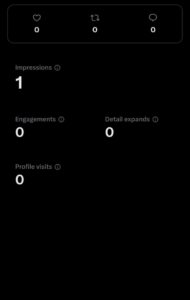
This specific number tells you how many people clicked your name from that specific tweet to see who you are.
Comparing X to Other Platforms
It helps to understand where X fits in the social media ecosystem regarding privacy.
- Can you see viewers? Yes, often.
- Premium users see a full list of names. Free users see a few recent names and general job titles.
- Professional networking relies on knowing who is interested in your resume.
Instagram Stories
- Can you see viewers? Yes.
- Full list of everyone who watched the story.
- Stories last a few hours and are personal.
TikTok
- Can you see viewers? Optional.
- You can turn on Profile Views on TikTok to see who looked, but only if they also have it turned on. It is a mutual agreement.
X (Twitter)
- Can you see viewers? No.
- Aggregate data only.
- Public town square. You can listen to conversations without announcing your presence.
Frequently Asked Questions (FAQs)
Can I see who viewed my profile if I verify my identity?
No. Verifying your ID gets you a blue checkmark (if you pay), but it does not change the data privacy rules. The list of viewers remains hidden.
Does X notify me if someone takes a screenshot of my profile?
No. Unlike Snapchat, X does not alert you when someone screenshots your tweets, your photos, or your profile page.
Can business accounts see who viewed their profile?
No. Business accounts get a dashboard with more data, but the “Profile Visits” metric remains a simple number. You can see how many people visited, but not who.
Is there a way to trick X into showing me viewers?
No. People try various hacks, like using special links or analytics tricks. None of them work to reveal specific identities. The data simply is not sent to your device.
Can I see who viewed my video on X?
You can see how many people viewed the video, and you can see a list of people who liked or reposted it. You cannot see a list of people who simply watched it without interacting.
Conclusion
So, can you see who viewed your profile on X (Twitter)? The answer remains a firm no. X is built on open, often anonymous, interaction.
The platform protects the privacy of the viewer over the curiosity of the profile owner. No subscription, third-party tool, or AI trick can bypass this.
Instead, X focuses on the metrics, like the count of your profile visits in X Analytics. Stay safe online and ignore the apps that promise to show you your stalkers; they are after your data.
 Share this post